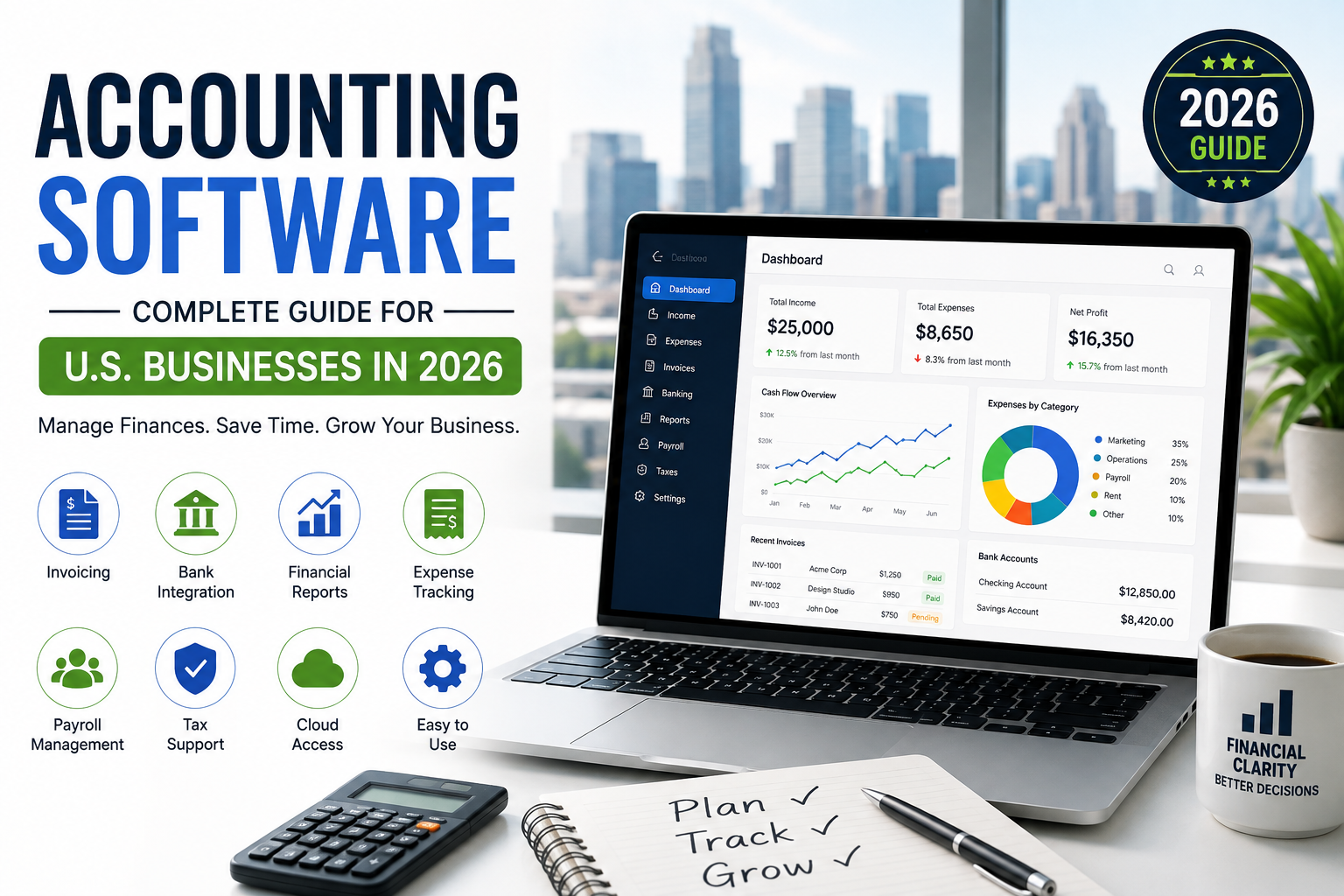
Choosing the right accounting software can make a major difference in how efficiently a business manages its finances. From tracking income and expenses to creating invoices, managing payroll, and preparing financial reports, modern accounting software helps businesses reduce manual work and maintain better financial control.
For U.S. businesses, the right solution should also support common American accounting needs, including sales tax tracking, business expense management, financial reporting, and integration with U.S.-based banking and payment platforms.
What Is Accounting Software?
Accounting software is a digital tool designed to help businesses record, organize, and manage financial transactions. Instead of relying entirely on spreadsheets or paper records, businesses can use software to automate many everyday accounting tasks.
Depending on the platform, accounting software may include features such as:
- Income and expense tracking
- Invoicing and payment management
- Bank account synchronization
- Financial reporting
- Payroll management
- Tax preparation support
- Accounts payable and receivable
- Inventory tracking
- Expense receipt management
These features can help business owners save time while keeping financial information organized.
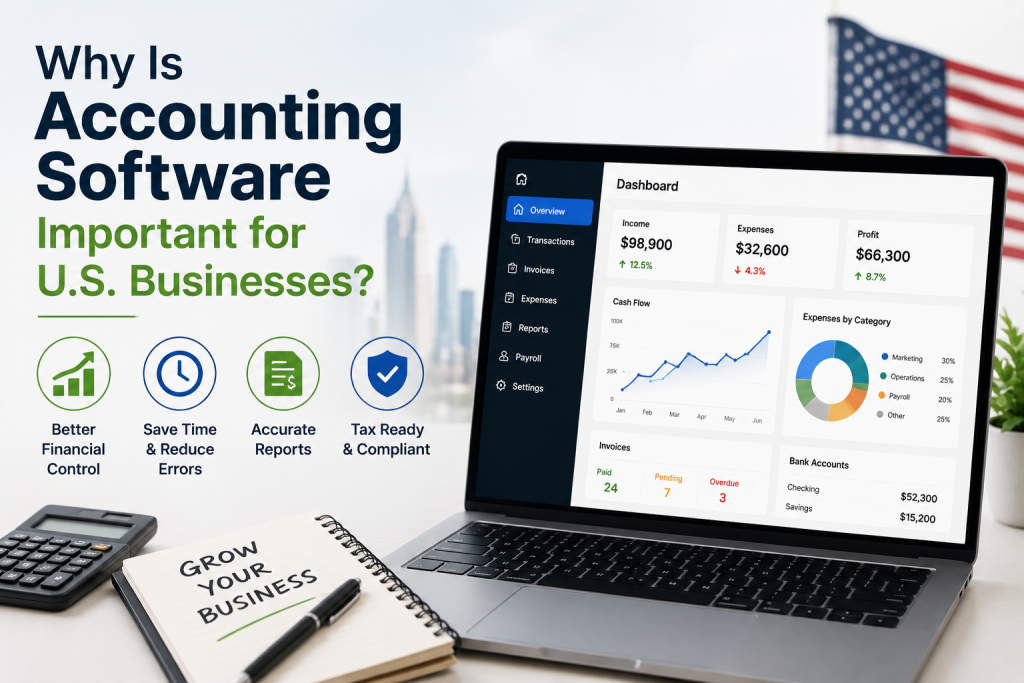
Why Is Accounting Software Important for U.S. Businesses?
Managing finances manually becomes increasingly difficult as a business grows. Accounting software provides a centralized system where business owners and accounting professionals can monitor financial activity.
For U.S. companies, it can also simplify tasks related to business expenses, tax records, financial statements, and cash-flow management.
Accurate financial records can help business owners understand where their money is going, identify unnecessary expenses, monitor profitability, and make more informed business decisions.
Key Features to Look for in Accounting Software
Not every accounting platform offers the same features. Before choosing software, consider the following capabilities.
1. Income and Expense Tracking
The software should make it easy to record revenue and business expenses. Automatic transaction imports can reduce the amount of manual data entry required.
2. Invoicing
Professional invoicing tools allow businesses to create, send, and track invoices. Some platforms also provide online payment options, helping businesses get paid faster.
3. Bank Integration
Bank integration can automatically import transactions from connected financial accounts. This makes reconciliation and financial monitoring easier.
4. Financial Reports
Good accounting software should provide reports such as profit and loss statements, balance sheets, cash-flow reports, and expense summaries. These reports give business owners a clearer picture of financial performance.
5. Tax Support
Tax-related features can help organize financial information throughout the year. However, businesses should still consult a qualified tax professional for specific tax advice and filing requirements.
6. Payroll Management
Businesses with employees may benefit from accounting software that integrates payroll, employee payments, and payroll-related reporting.
Who Should Use Accounting Software?
Accounting software is useful for businesses of almost every size. Freelancers, independent contractors, startups, small businesses, nonprofits, and established companies can all benefit from organized financial management.
A freelancer may primarily need invoicing and expense tracking, while a growing company may require payroll, inventory management, advanced reporting, and multiple-user access.
Accounting Software for Small Businesses
For small businesses in the United States, simplicity is often just as important as functionality. The best accounting software for small businesses should be easy to learn, affordable, scalable, and capable of handling essential financial tasks.
Business owners should consider the number of users, monthly cost, available integrations, customer support, reporting features, and security before making a decision.
Cloud-Based Accounting Software
Cloud accounting has become increasingly popular because financial information can be accessed through an internet-connected device. Instead of installing everything on a single computer, cloud-based platforms store information online and can provide access from different locations.
This can be especially useful for business owners who work remotely or collaborate with accountants and employees.
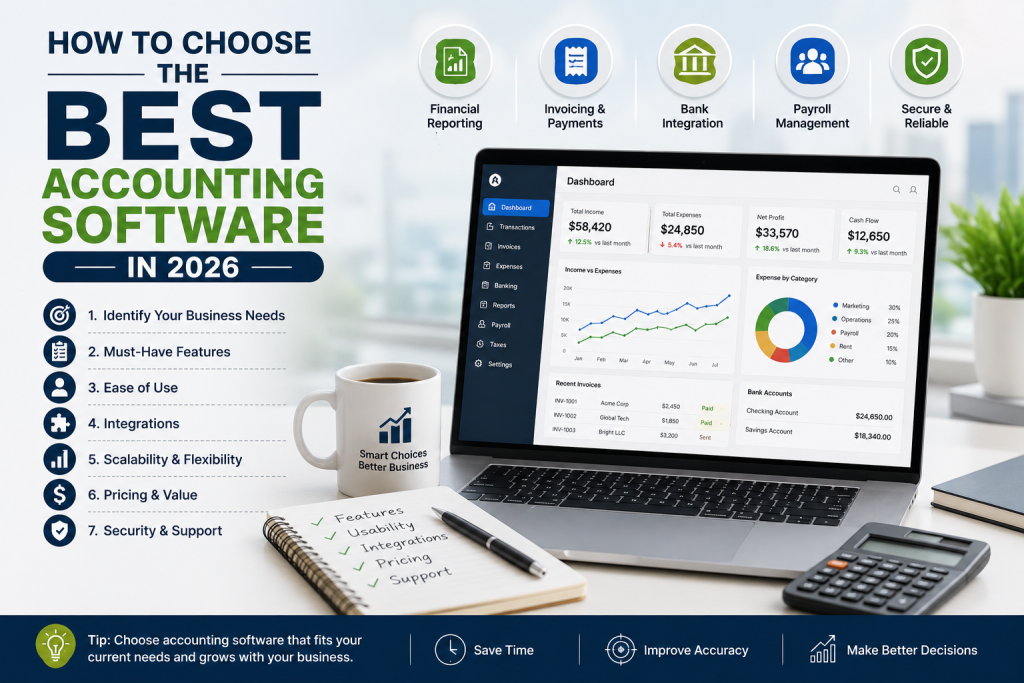
How to Choose the Best Accounting Software in 2026
When comparing accounting software in 2026, start by identifying your business’s specific requirements. Avoid paying for advanced features you will never use, but also consider future growth.
Look for software that offers strong security, reliable customer support, useful integrations, transparent pricing, and the features your business needs today.
It is also worth checking whether the software can scale as your business grows.
Final Thoughts
The right accounting software can simplify financial management, reduce repetitive administrative work, and give U.S. business owners better visibility into their finances. Whether you run a small business, work as a freelancer, or manage a growing company, choosing software that matches your accounting needs can save time and support better financial decisions.
Before selecting a platform, compare features, pricing, integrations, security, ease of use, and scalability. A solution that fits your current needs while allowing your business to grow can provide the greatest long-term value.