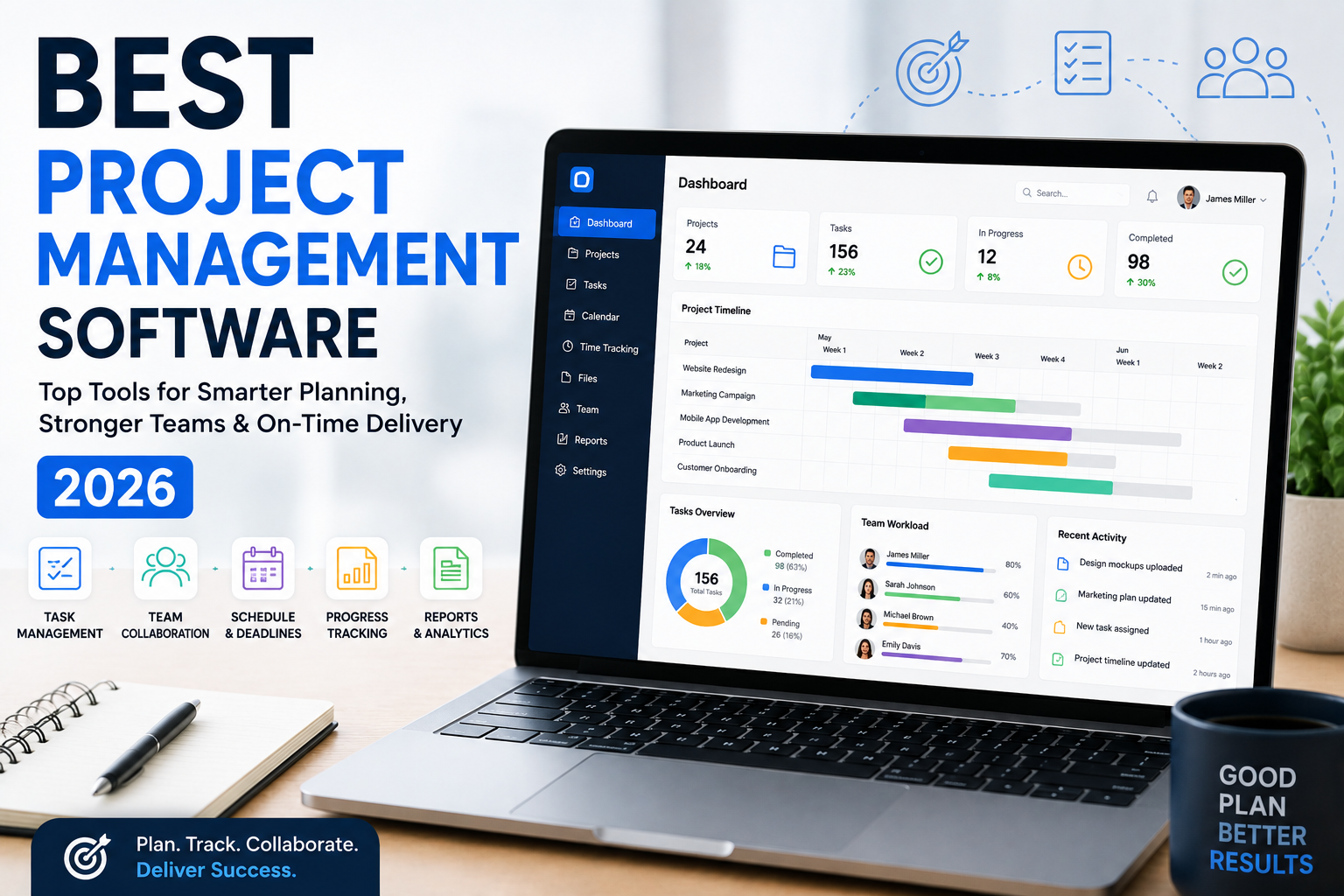
Managing projects can become difficult when tasks, deadlines, files, and team communication are spread across emails, spreadsheets, and different apps. Project management software brings these activities together in one place, helping businesses plan work, assign responsibilities, track progress, and complete projects on time.
For U.S. small businesses, choosing the right project management platform can improve productivity while reducing unnecessary administrative work. This guide explains what project management software is, its key benefits, important features, and what businesses should consider when choosing a solution in 2026.
What Is Project Management Software?
Project management software is a digital tool designed to help businesses plan, organize, and manage projects from start to finish. It gives teams a central workspace where they can create tasks, assign work, set deadlines, share files, and monitor project progress.
Many modern platforms also offer dashboards, calendars, Gantt charts, time tracking, automation, reporting, and team collaboration features.
Instead of relying on multiple spreadsheets or long email threads, businesses can use one platform to keep project information organized and accessible.
Why Businesses Need Project Management Software
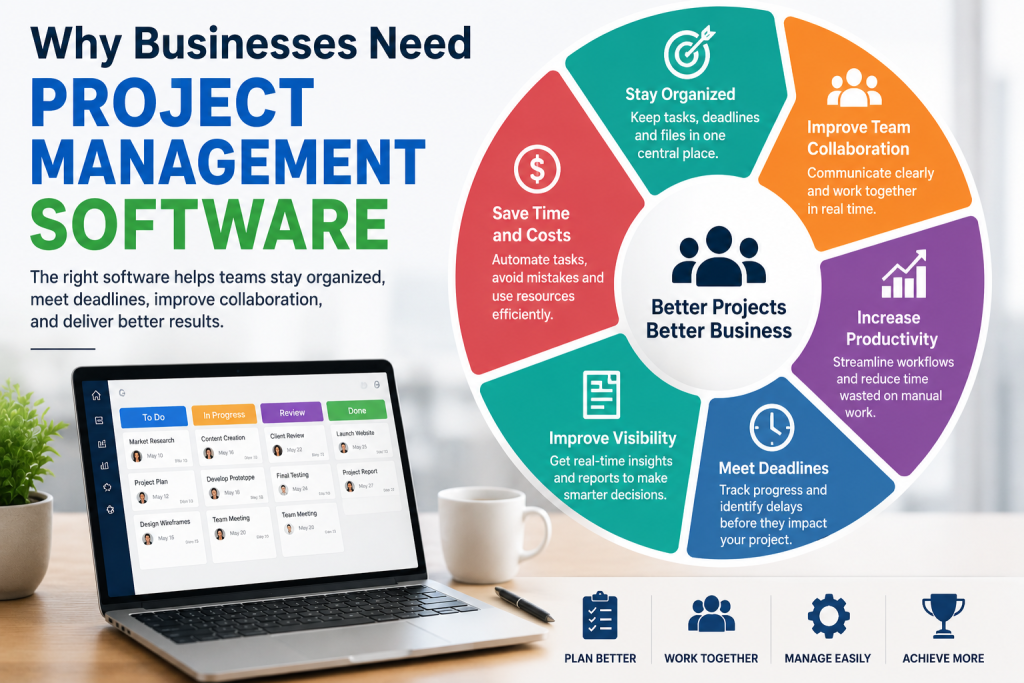
Small businesses often have limited employees and resources, making efficient project management especially important. A missed deadline or forgotten task can affect customers, revenue, and business reputation.
The right project management software can help teams:
- Organize tasks and projects
- Set deadlines and priorities
- Assign responsibilities
- Track project progress
- Improve team communication
- Share documents and files
- Monitor employee workloads
- Track project time and expenses
- Identify potential delays
- Create performance reports
For U.S. businesses working with remote employees, freelancers, or distributed teams, these features can make collaboration much easier.
Key Features to Look For
Not every project management platform offers the same features. Before choosing software, businesses should identify which tools are most important for their workflow.
Task Management
Task management allows users to create tasks, assign them to team members, add deadlines, and track completion. This is one of the most important features for keeping projects organized.
Project Dashboards
A dashboard provides an overview of active projects, upcoming deadlines, completed tasks, and potential problems. Managers can quickly understand project status without checking multiple documents.
Team Collaboration
Built-in comments, file sharing, notifications, and team discussions can reduce the need for separate communication tools. This is particularly useful for remote and hybrid teams.
Calendar and Gantt Views
Calendar views help teams manage deadlines, while Gantt charts provide a visual timeline of project activities. These features are valuable for businesses managing projects with multiple stages.
Time Tracking
Time tracking allows businesses to see how much time employees spend on specific tasks or projects. This can help companies improve productivity and estimate future project costs.
Reporting and Analytics
Reports can show project performance, team workload, completed tasks, and time spent. Businesses can use this information to identify bottlenecks and make better decisions.
Popular Project Management Software in 2026
There are many project management platforms available to U.S. businesses, and the best option depends on company size, budget, industry, and workflow.
Asana
Asana is a popular choice for teams that need task management, project planning, collaboration, and workflow organization. Its flexible project views make it suitable for different types of business teams.
Trello
Trello uses boards and cards to organize projects visually. Its simple interface can work well for small teams that want an easy way to manage tasks and workflows.
Monday.com
Monday.com provides customizable workspaces for managing projects, tasks, workflows, and team activities. Businesses can adapt its boards and dashboards to different operational needs.
ClickUp
ClickUp combines project management, task management, documents, goals, and collaboration features in one platform. It can be useful for teams looking for a more comprehensive workspace.
Wrike
Wrike is designed for teams managing complex projects and workflows. It offers project planning, collaboration, reporting, and workload management features.
How to Choose the Best Project Management Software
The best project management software should match your business’s actual needs. More features do not always mean better software.
Start by considering your team size, project complexity, budget, and current workflow. A small business managing simple marketing projects may need basic task management and collaboration, while an agency handling multiple clients may require time tracking, reporting, automation, and advanced project views.
Also check pricing, integrations, mobile access, customer support, security features, and ease of use before making a decision.
Benefits for U.S. Small Businesses
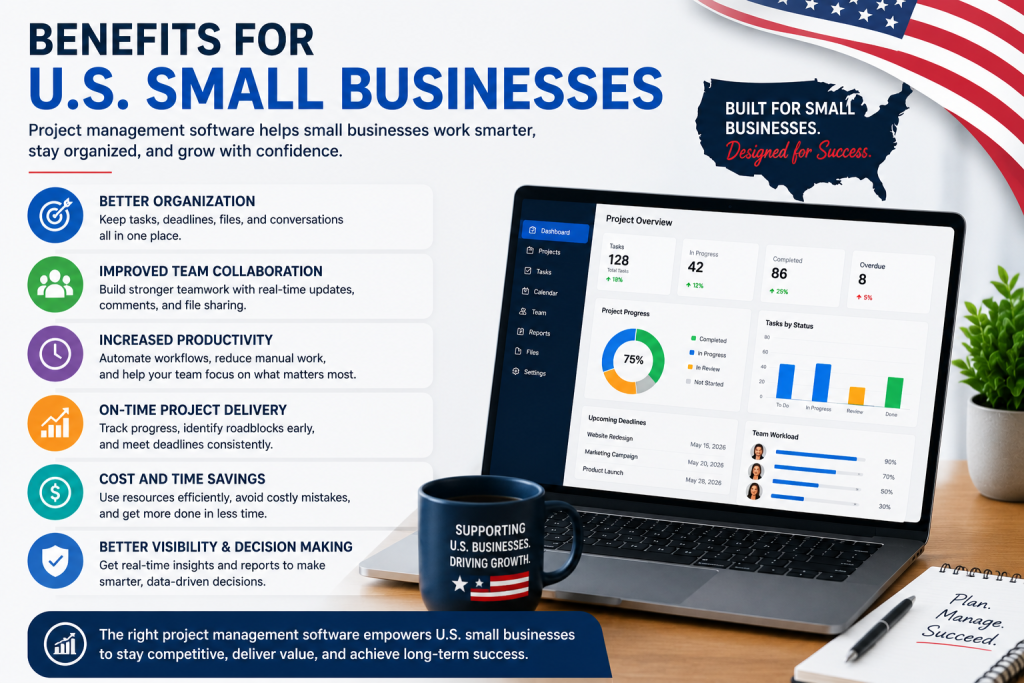
For small businesses across the United States, project management tools can support both productivity and growth. Teams can spend less time searching for information and more time completing valuable work.
A centralized system can also make it easier for managers to identify delays, balance workloads, and maintain accountability. When everyone knows what needs to be done and when it needs to be completed, projects can move forward more efficiently.
Final Thoughts
Project management software has become an important tool for businesses that want better organization, collaboration, and productivity in 2026. Platforms such as Asana, Trello, Monday.com, ClickUp, and Wrike offer different approaches to managing projects and teams.
Before choosing a platform, compare its features, pricing, integrations, usability, and scalability. The right solution should simplify your workflow rather than make it more complicated. For U.S. small businesses, investing in practical project management software can help teams stay organized, meet deadlines, and deliver better results.
Leave a Reply