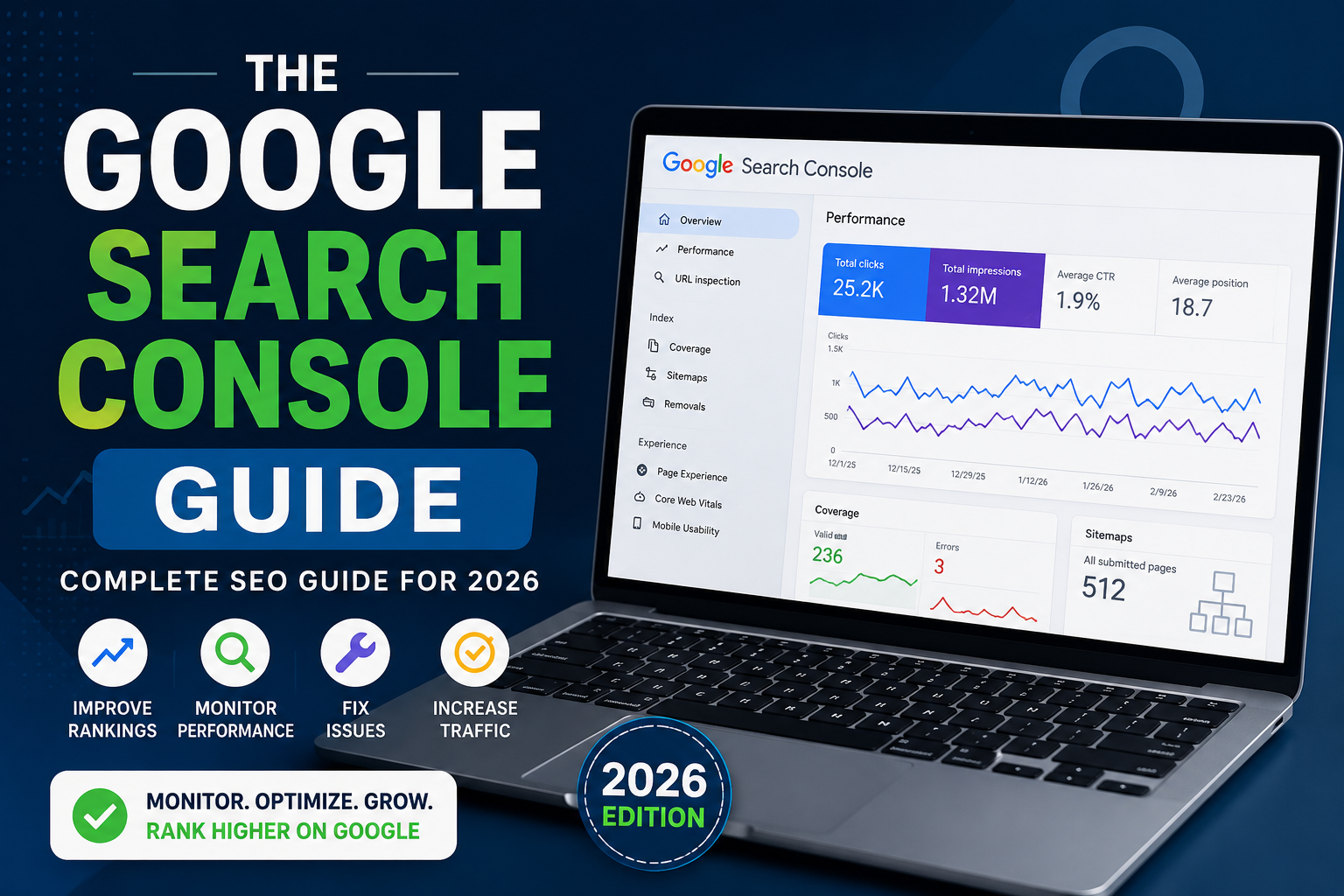
Google Search Console Guide (2026): Complete Beginner’s SEO Guide
If you want your website to rank higher on Google, following a Google Search Console Guide is one of the smartest decisions you can make. Whether you own a blog, an eCommerce store, or a business website in the United States, Google Search Console provides valuable insights into your site’s search performance.
This Google Search Console Guide explains everything beginners need to know in 2026, from setting up your account to improving rankings and fixing SEO issues.
What Is Google Search Console?
Google Search Console is a free tool from Google that helps website owners monitor, maintain, and improve their visibility in Google Search results.
Using this Google Search Console Guide, you’ll learn how to:
- Track keyword rankings
- Monitor website indexing
- Find crawl errors
- Submit XML sitemaps
- Improve Core Web Vitals
- Increase organic traffic
For businesses targeting the U.S. market, Google Search Console is an essential part of every SEO strategy.
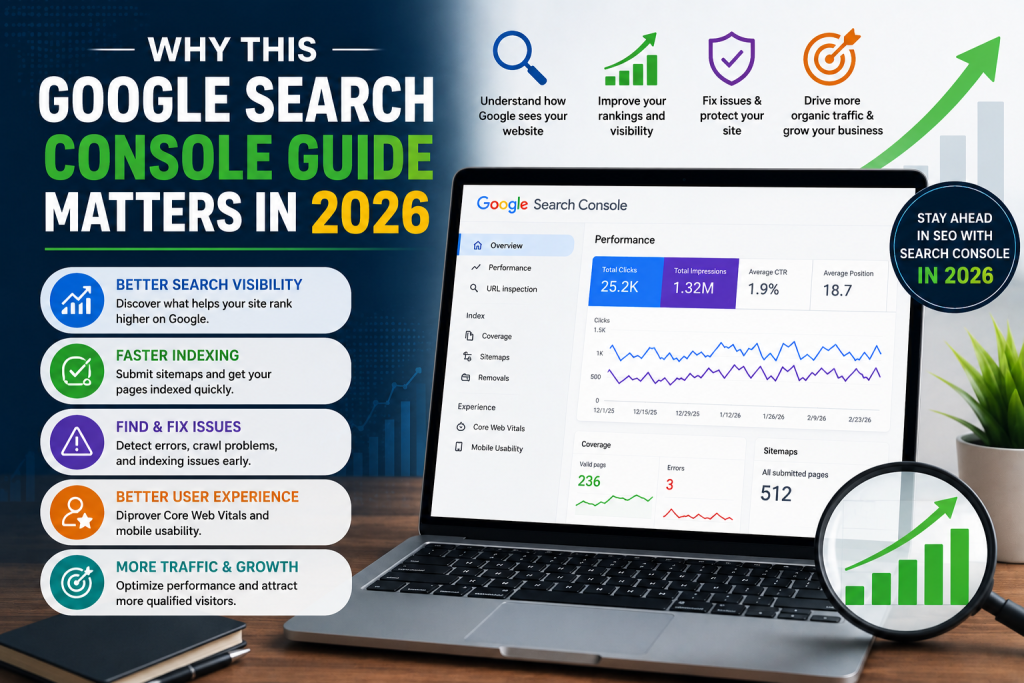
Why This Google Search Console Guide Matters in 2026
Search engine optimization continues to evolve, and Google’s algorithms become smarter every year. Following a reliable Google Search Console Guide helps you understand how Google views your website.
Benefits include:
- Better search visibility
- Faster indexing
- Improved user experience
- Higher click-through rates (CTR)
- Better keyword optimization
- Stronger technical SEO
Whether you’re a beginner or an experienced marketer, Search Console provides data that can improve your rankings.
How to Set Up Google Search Console
This Google Search Console Guide recommends completing these steps first.
1. Verify Your Website
Choose one of these verification methods:
- HTML file upload
- DNS record
- Google Analytics
- Google Tag Manager
- HTML meta tag
DNS verification is usually the best long-term option.
2. Submit Your XML Sitemap
Navigate to the Sitemap section and submit:
This helps Google discover your pages more efficiently.
3. Wait for Data Collection
Google usually starts collecting performance data within a few days.
Understanding the Performance Report
One of the most useful parts of this Google Search Console Guide is learning how to read the Performance report.
You’ll see important metrics such as:
- Total Clicks
- Total Impressions
- Average CTR
- Average Position
These metrics help you understand:
- Which keywords bring traffic
- Which pages perform best
- Which pages need optimization
Review these reports regularly to improve your SEO strategy.
Fix Indexing Problems
Many websites lose traffic because important pages are not indexed.
This Google Search Console Guide recommends checking the Pages report frequently.
Common indexing issues include:
- Noindex tags
- Blocked robots.txt files
- Redirect errors
- Duplicate pages
- Soft 404 pages
- Server errors
Fixing these issues can significantly improve search visibility.
Improve Core Web Vitals
Google considers page experience a ranking factor.
The Core Web Vitals report measures:
- Largest Contentful Paint (LCP)
- Interaction to Next Paint (INP)
- Cumulative Layout Shift (CLS)
Improving these metrics helps increase rankings while providing a better user experience.
Monitor Mobile Usability
Most U.S. users browse on smartphones.
A complete Google Search Console Guide always recommends checking mobile usability to ensure your website:
- Loads quickly
- Uses responsive design
- Has readable text
- Features clickable buttons
- Avoids layout issues
Mobile-friendly websites often perform better in Google Search.
Use URL Inspection
The URL Inspection Tool is one of Search Console’s most valuable features.
It allows you to:
- Check if a page is indexed
- Request indexing
- View crawl status
- Detect indexing issues
- Test live URLs
Whenever you publish new content, use this feature to request faster indexing.
Monitor Backlinks
Another useful feature in this Google Search Console Guide is the Links report.
You can view:
- Top linked pages
- External backlinks
- Internal links
- Top linking websites
Monitoring backlinks helps you understand your website’s authority and identify opportunities for stronger internal linking.
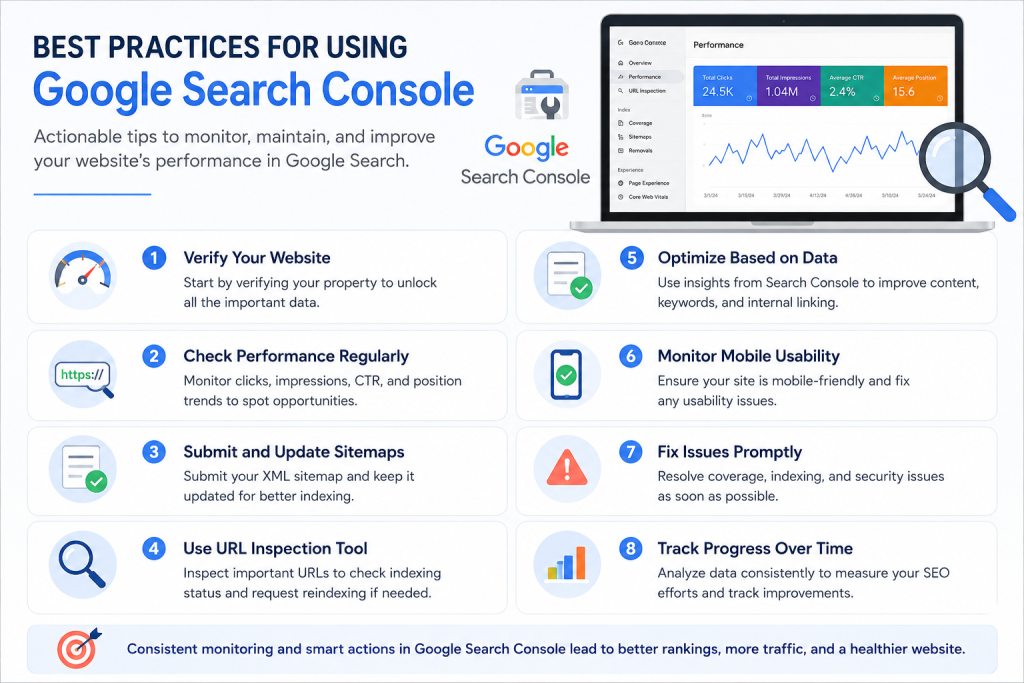
Best Practices for Using Google Search Console
To maximize SEO success:
- Check reports every week.
- Submit updated sitemaps after major changes.
- Monitor indexing regularly.
- Fix crawl errors immediately.
- Improve low-CTR pages.
- Optimize pages with high impressions but low clicks.
- Review Core Web Vitals monthly.
- Track keyword performance consistently.
Following these habits helps maintain healthy website performance.
Common Mistakes to Avoid
Even experienced website owners make mistakes.
Avoid:
- Ignoring indexing errors
- Never checking Performance reports
- Forgetting sitemap updates
- Not fixing mobile issues
- Ignoring Core Web Vitals
- Requesting indexing repeatedly without changes
- Failing to monitor backlinks
Correcting these issues can lead to better search performance over time.
Conclusion
This Google Search Console Guide is one of the best resources for anyone who wants to improve SEO in 2026. From tracking keywords and monitoring indexing to fixing technical errors and improving Core Web Vitals, Google Search Console provides the insights needed to grow organic traffic. By following this Google Search Console Guide consistently, U.S. website owners can build stronger search visibility, improve rankings, and achieve long-term SEO success.
Frequently Asked Questions
What is Google Search Console used for?
Google Search Console helps website owners monitor search performance, fix indexing issues, submit sitemaps, and improve SEO.
Is Google Search Console free?
Yes. Google Search Console is completely free for all website owners.
How often should I check Google Search Console?
Most SEO professionals recommend reviewing your reports at least once a week.
Does Google Search Console improve rankings?
It doesn’t directly improve rankings, but it helps identify SEO issues that can positively impact your search visibility.
Can beginners use Google Search Console?
Absolutely. This Google Search Console Guide is designed for beginners as well as experienced marketers.