Best Password Managers:
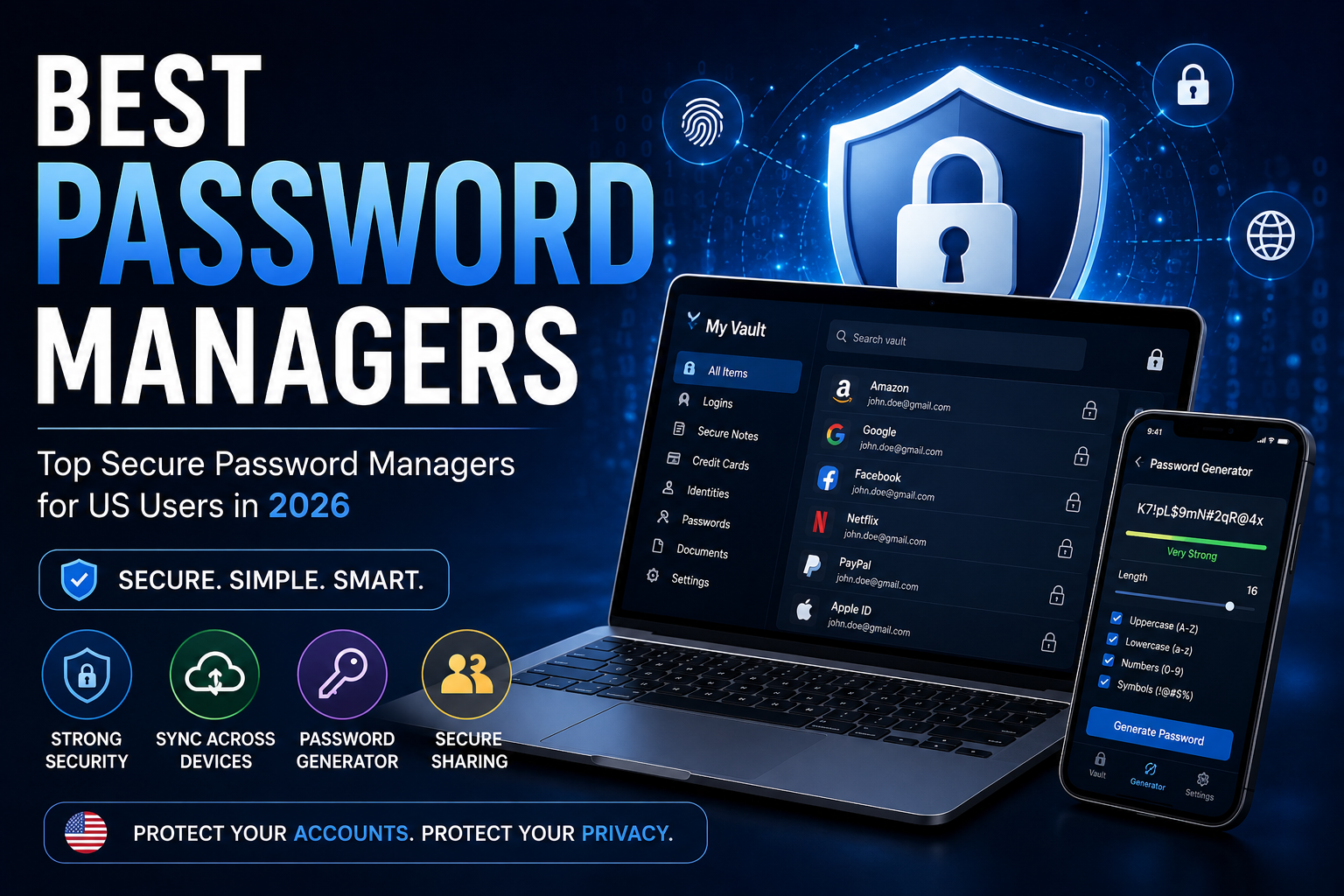
Choosing the right password manager is one of the simplest ways to improve digital security. The Best Password Managers help you create strong, unique passwords, store them securely, and autofill credentials across devices. For US users managing banking, shopping, work, email, and social media accounts, a reliable password manager can reduce the risks of reused or weak passwords.
Best Password Managers for 2026
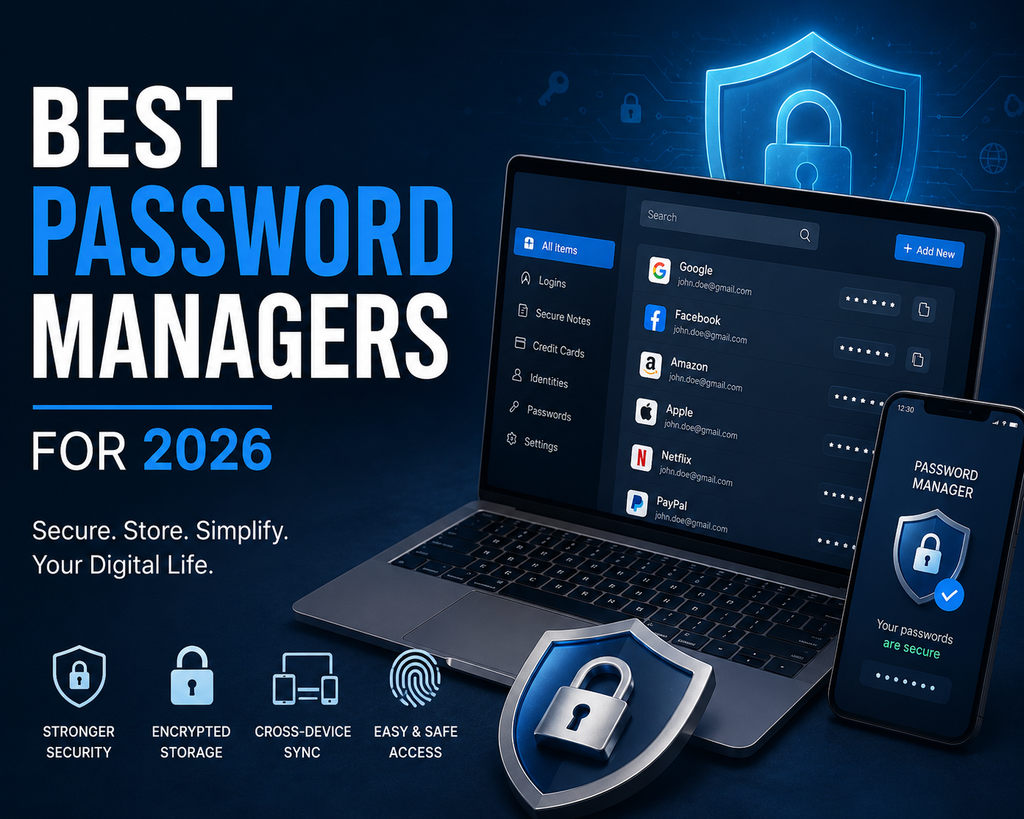
The Best Password Managers available in 2026 offer different combinations of security, convenience, sharing, passkey support, and pricing. Recent 2026 testing from WIRED lists Bitwarden as its pick for most people, while also highlighting Proton Pass, Keeper, 1Password, Dashlane, and NordPass for different needs.
1. Bitwarden — Best for Value and Open-Source Security
Bitwarden is a strong choice for users who want security-focused password management at a reasonable cost. Its platform is open source, uses end-to-end and zero-knowledge encryption, and supports password generation, autofill, passkeys, and cross-platform access. It also offers a functional free plan, making it attractive to budget-conscious US users.
2. 1Password — Best for a Polished Experience
1Password is designed for people who want a premium, easy-to-use experience. It supports password storage, passkeys, secure sharing, two-factor authentication codes, and Watchtower security alerts. Its vault system is useful for families and professionals.
3. Dashlane — Best for Extra Features
Dashlane combines password management with additional security-focused features. It can generate and autofill passwords and provides tools designed to help users monitor account security.
4. Keeper — Best for Families and Businesses
Keeper is worth considering when several people need controlled access to shared credentials. Its business features also make it suitable for organizations that need centralized password management.
5. NordPass — Best for Simplicity
NordPass is a good option if you prefer a straightforward interface. It can generate, store, and autofill credentials across common devices while keeping logins organized.
How Do Password Managers Work?
A password manager stores login credentials inside an encrypted vault. Instead of remembering dozens of passwords, you normally remember one strong master credential or use another supported authentication method to unlock the vault.
The manager can generate unique passwords for new accounts and autofill saved credentials. This makes it easier to avoid password reuse, which is important because a compromised password can create problems when the same credential is used on multiple websites.
What to Look for in the Best Password Managers
When comparing the Best Password Managers, focus on security first. Look for strong encryption, zero-knowledge architecture, reputable audits, and transparent security practices. Bitwarden says its vault data is encrypted and decrypted client-side and that its source code is publicly available for review.
Passkey support is another useful feature in 2026. Passkeys use cryptographic credentials instead of traditional passwords and can provide a more phishing-resistant sign-in experience on supported websites and devices.
Also check cross-platform support. A good password manager should work on Windows, macOS, Android, iPhone, and major browsers. Secure family sharing can be valuable if multiple people use the same accounts.
For many households, Best Password Managers are also useful because they make secure password sharing easier without requiring everyone to memorize complicated credentials.
Free vs. Paid Password Managers
Free password managers can be enough for basic personal use, especially for storage, generation, and autofill. Paid plans may add advanced two-factor authentication, secure sharing, breach monitoring, additional storage, family accounts, or business administration.
Before paying, compare current US pricing, renewal terms, supported devices, and features you will actually use.
Are Password Managers Safe?
No security product is completely risk-free, but a reputable password manager can significantly improve password hygiene. Choose a provider with a strong security architecture, then protect your account with a strong master password and multi-factor authentication.
Keep your software updated, avoid suspicious links, use multi-factor authentication, and never share your master password.
Final Verdict
For most US users, the Best Password Managers are services that combine strong security with an experience you will consistently use. Bitwarden stands out for open-source security and value, 1Password for its polished experience, Dashlane for extra features, Keeper for sharing and business use, and NordPass for simplicity.
The best choice depends on your budget, devices, privacy expectations, and whether you need individual, family, or business features. When choosing among the Best Password Managers, compare security, passkeys, cross-device support, sharing, pricing, and recovery options before making your final decision.
Frequently Asked Questions
What is the best password manager in 2026?
There is no single answer for everyone. Bitwarden, 1Password, Dashlane, Keeper, and NordPass are strong options with different advantages.
Are free password managers worth using?
Yes. A reputable free option can be much better than reusing passwords or storing them insecurely.
Should I use a password manager for banking?
A reputable password manager can help you create and store a unique password for financial accounts. Enable multi-factor authentication whenever your bank offers it.
Are passkeys better than passwords?
Passkeys can provide a more phishing-resistant authentication method on supported services, although availability varies by website and device.