Google Analytics 4 Guide (2026):
If you want to understand your website visitors, improve marketing campaigns, and grow your business online, this Google Analytics 4 Guide is the perfect place to start. Google Analytics 4 (GA4) has become Google’s official analytics platform, replacing Universal Analytics with a smarter, event-based tracking system.
Whether you run a small business, eCommerce store, blog, or enterprise website in the United States, this Google Analytics 4 Guide explains everything you need to know to make better data-driven decisions in 2026.
What Is Google Analytics 4?
Google Analytics 4 (GA4) is Google’s latest web analytics platform that helps businesses measure website traffic, user engagement, conversions, and customer behavior across websites and mobile apps.
Unlike previous versions, GA4 uses event-based tracking instead of session-based tracking, giving marketers more accurate insights into how visitors interact with content.
Using this Google Analytics 4 Guide, you’ll understand how GA4 helps improve SEO, advertising, and business performance.
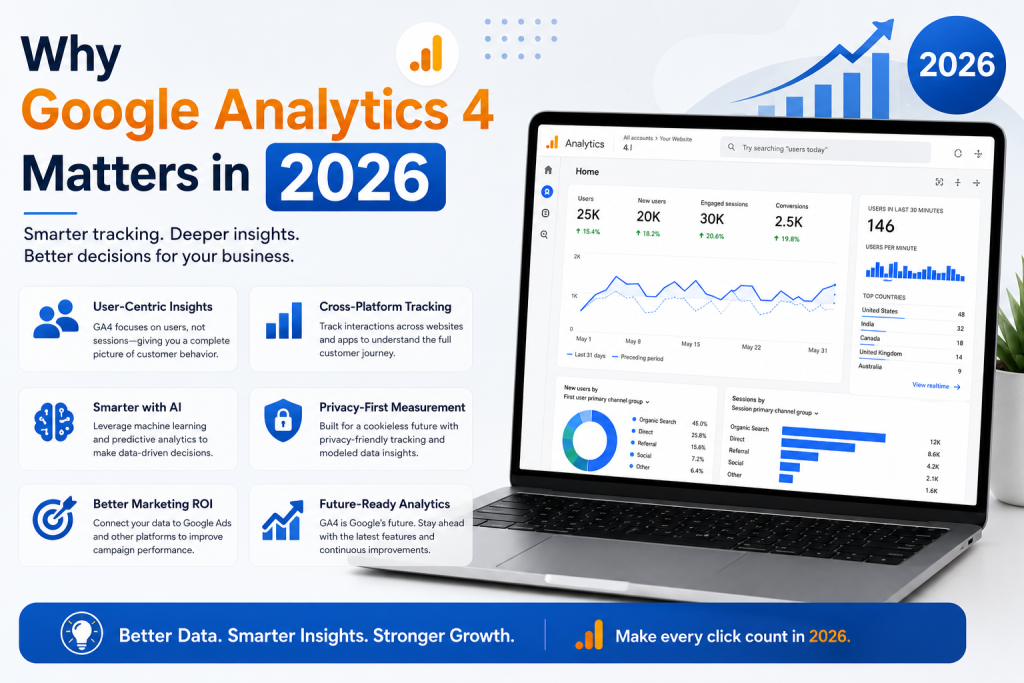
Why Google Analytics 4 Matters in 2026
Modern digital marketing depends on accurate data. This Google Analytics 4 Guide highlights why GA4 remains one of the most valuable free tools for website owners.
Benefits include:
- Better user behavior tracking
- Cross-device reporting
- AI-powered insights
- Improved privacy controls
- Advanced conversion tracking
- Integration with Google Ads
- Better SEO performance analysis
For U.S. businesses competing online, GA4 provides the information needed to make smarter marketing decisions.
How to Set Up Google Analytics 4
Getting started with GA4 is straightforward.
Step 1: Create a GA4 Property
Sign in to your Google Analytics account and create a new GA4 property for your website.
Step 2: Install the Tracking Code
Add the Google tag to your website or use Google Tag Manager for easier management.
Step 3: Verify Data Collection
Open the Real-Time Report to confirm that GA4 is receiving visitor data correctly.
Following this Google Analytics 4 Guide ensures your analytics setup is accurate from the beginning.
Important GA4 Reports You Should Monitor
GA4 offers several reports that provide valuable business insights.
Real-Time Report
Monitor live website visitors and user activity.
Acquisition Report
Discover where your visitors come from, including:
- Organic Search
- Paid Search
- Social Media
- Email Marketing
- Referral Websites
- Direct Traffic
Engagement Report
Measure:
- Average engagement time
- Events
- Pages viewed
- User interactions
Conversion Report
Track:
- Purchases
- Contact form submissions
- Newsletter signups
- Phone call clicks
- Lead generation
These reports make this Google Analytics 4 Guide essential for improving marketing performance.
Best Practices for Using GA4
To get the most value from Google Analytics, follow these recommendations:
- Track meaningful events.
- Set up conversion goals.
- Connect Google Search Console.
- Link Google Ads accounts.
- Review reports weekly.
- Create custom dashboards.
- Filter internal traffic.
- Monitor mobile performance.
Consistent analysis helps businesses identify growth opportunities faster.
Common Google Analytics 4 Mistakes
Many beginners make avoidable mistakes.
Avoid these issues:
- Installing multiple tracking codes
- Ignoring event tracking
- Forgetting conversion setup
- Not linking Search Console
- Failing to exclude internal traffic
- Never reviewing reports
- Tracking unnecessary events
Following this Google Analytics 4 Guide helps avoid these common errors.
How GA4 Supports SEO
SEO and analytics work together.
GA4 helps measure:
- Organic traffic growth
- Landing page performance
- User engagement
- Bounce-related metrics
- Conversion rates
- Top-performing content
Combining GA4 with Search Console provides a complete picture of your SEO performance.
Essential Metrics to Watch
Successful marketers regularly monitor:
- Users
- Sessions
- Engaged Sessions
- Engagement Rate
- Average Engagement Time
- Event Count
- Conversions
- Revenue
- Organic Traffic
- Returning Visitors
Tracking these KPIs helps improve long-term website performance.
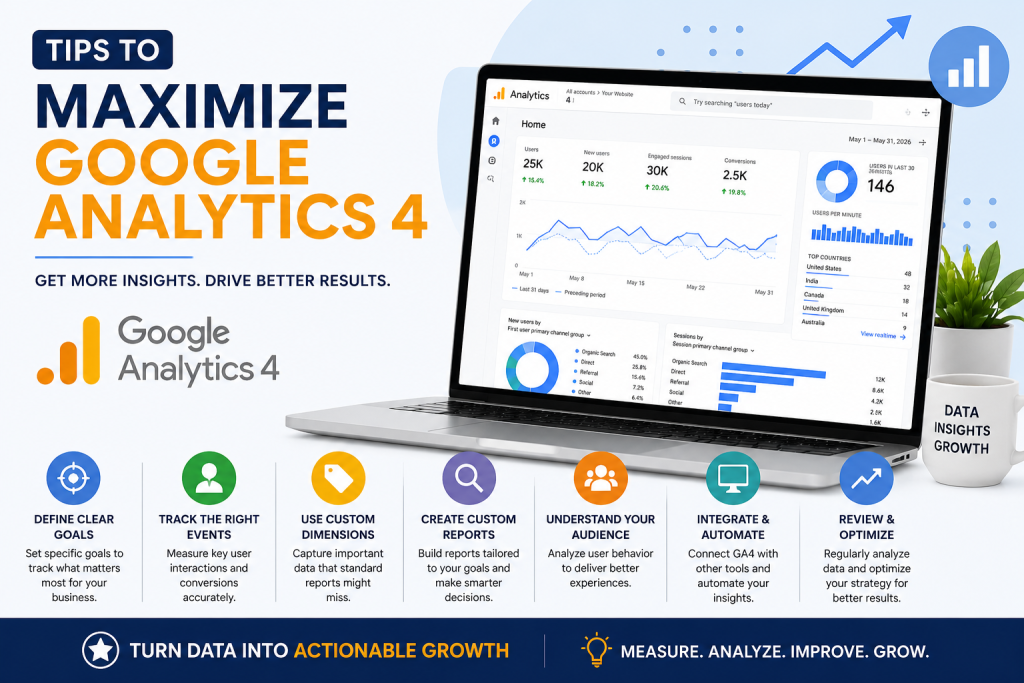
Tips to Maximize Google Analytics 4
This Google Analytics 4 Guide recommends these practical strategies:
- Review reports every week.
- Compare month-over-month performance.
- Use custom events.
- Create audience segments.
- Analyze high-converting pages.
- Optimize low-performing pages.
- Test marketing campaigns regularly.
Small improvements based on data often produce significant business growth.
Conclusion
This Google Analytics 4 Guide demonstrates why GA4 remains one of the most powerful analytics platforms available in 2026. From tracking website visitors to measuring conversions and improving SEO performance, GA4 gives businesses the insights needed to make informed decisions. By implementing the strategies covered in this Google Analytics 4 Guide, you can better understand your audience, optimize marketing campaigns, and achieve sustainable online growth.
Frequently Asked Questions (FAQs)
What is Google Analytics 4?
Google Analytics 4 is Google’s latest analytics platform that tracks website and app user behavior using an event-based data model.
Is GA4 free?
Yes. Google Analytics 4 is free for most website owners and includes powerful reporting and conversion tracking features.
Why should I use Google Analytics 4?
GA4 helps you measure website traffic, understand visitor behavior, improve SEO, optimize marketing campaigns, and increase conversions.
Can GA4 improve SEO?
Yes. GA4 provides valuable data about organic traffic, engagement, and user behavior that helps improve your SEO strategy.
Is Google Analytics 4 difficult to learn?
No. With regular use and proper setup, GA4 becomes easier to understand and provides actionable insights for businesses of all sizes.