Tag: AI Tools

  • Video Editing Software: Complete Guide for Creators 2026

    Video Editing Software: Complete Guide for Creators 2026

    Creating professional videos is no longer limited to Hollywood studios or experienced editors. With modern video editing software, creators, businesses, marketers, YouTubers, and social media professionals can produce high-quality videos using a computer or even a smartphone.

    In 2026, video content continues to play an important role in digital marketing, entertainment, education, and social media. Choosing the right video editing software can help U.S. creators save time, improve video quality, and create content that keeps viewers engaged.

    What Is Video Editing Software?

    Video editing software is a digital tool that allows users to edit and improve video footage. Depending on the platform, users can cut clips, add transitions, adjust colors, edit audio, insert text, use visual effects, and export videos for different platforms.

    Basic editors are designed for beginners, while professional video editing software provides advanced features for filmmakers, agencies, and experienced content creators.

    Common video editing features include:

    • Video trimming and cutting
    • Transitions and effects
    • Text and title tools
    • Audio editing
    • Color correction
    • Video filters
    • Captions and subtitles
    • Green screen effects
    • Motion graphics
    • AI-powered editing
    • 4K and high-resolution video support

    Why Is Video Editing Software Important in 2026?

    Video has become one of the most effective ways for businesses and creators to communicate online. YouTube channels, TikTok creators, Instagram users, marketers, educators, and small businesses all rely on video content.

    Professional editing can turn basic footage into an engaging final product. Good video editing software makes it easier to remove unwanted sections, improve sound, add branding, and create a consistent visual style.

    For U.S. businesses, professionally edited videos can also support advertising campaigns, product demonstrations, training materials, customer education, and social media marketing.
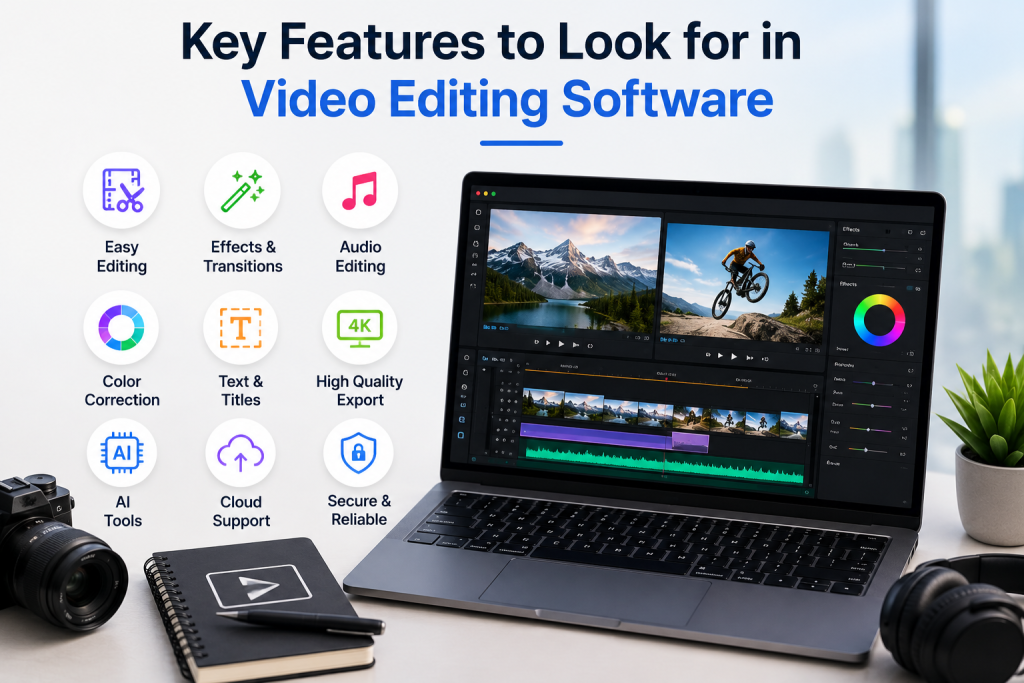
    Key features of video editing software including easy editing, effects, audio editing, color correction, 4K export, AI tools, and cloud support

    Key Features to Look for in Video Editing Software

    Choosing software based only on popularity may not be the best approach. Consider the features that match your specific needs.

    1. Easy-to-Use Interface

    Beginners should look for an intuitive interface with simple timelines, drag-and-drop tools, and easy-to-understand controls. A complicated editor can create a steep learning curve.

    2. AI Video Editing Tools

    AI-powered features are becoming increasingly common in 2026. Depending on the software, AI tools may help with automatic captions, background removal, audio enhancement, scene detection, and other repetitive editing tasks.

    3. Audio Editing

    Clear audio is essential for professional videos. Look for tools that allow you to adjust volume, remove unwanted noise, add music, and synchronize audio with video.

    4. Color Correction

    Color adjustment tools can improve the overall appearance of footage. Advanced software may provide professional color grading controls for creators who want greater creative control.

    5. Export Options

    Good video editing software should support common formats and resolutions. Creators should also check whether the software offers export settings optimized for YouTube, Instagram, TikTok, Facebook, and other platforms.

    6. Performance and Hardware Support

    Video editing can require significant processing power. Before choosing software, check its operating-system requirements and whether your computer has enough RAM, storage, and graphics performance.

    Best Video Editing Software for Different Users

    The best choice depends on your experience and goals.

    Beginners: Simple editors with templates, automated features, and easy controls are generally the best starting point.

    YouTubers: Look for software with strong audio tools, transitions, captions, thumbnails integration, and high-resolution export options.

    Social Media Creators: Fast editing, vertical video support, templates, captions, and AI features can be especially useful.

    Businesses: Businesses may prioritize brand templates, collaboration features, professional exports, and reliable workflow tools.

    Professional Editors: Advanced color grading, visual effects, audio mixing, motion graphics, and multi-track editing are important for professional projects.

    Free vs. Paid Video Editing Software

    Free video editors can be an excellent option for beginners and creators working with limited budgets. However, free versions may include limitations such as watermarks, restricted export quality, fewer effects, or limited advanced features.

    Paid video editing software generally provides more tools, better support, and additional features. Before subscribing, compare the pricing model and determine whether you need the advanced capabilities.

    How to choose the best video editing software in 2026 based on features, performance, pricing, and ease of use

    How to Choose the Best Video Editing Software in 2026

    Start by identifying the type of videos you create. Consider your experience level, computer specifications, preferred platforms, editing requirements, budget, and desired export quality.

    If you primarily create short social media videos, you may not need an expensive professional editor. On the other hand, filmmakers and professional video production teams may benefit from advanced software with extensive editing and collaboration capabilities.

    Also consider whether the software receives regular updates and supports modern video formats and AI-powered workflows.

    Final Thoughts

    The right video editing software can make video creation faster, easier, and more professional. Whether you are a U.S. YouTuber, social media creator, marketer, small business owner, educator, or professional editor, there are options designed for different budgets and skill levels.

    In 2026, focus on software that provides the features you actually need rather than simply choosing the most popular option. A combination of ease of use, powerful editing tools, reliable performance, AI features, and flexible export options can help you create better videos and build a stronger online presence.
  • Best CRM Software for Small Businesses in 2026

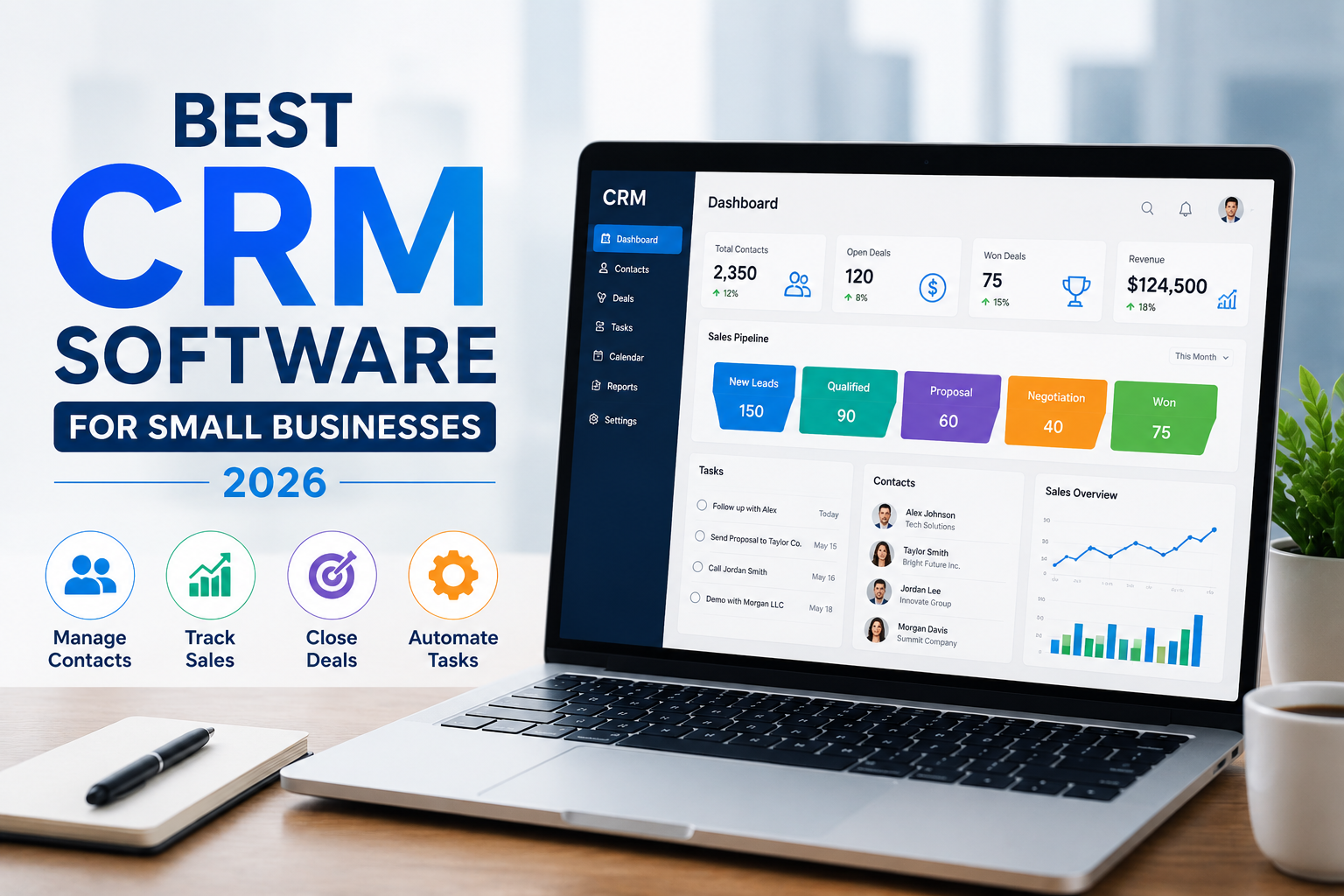
    Best CRM Software for Small Businesses in 2026

    Choosing the best CRM software can make a major difference in how a small business manages leads, customers, sales, and daily communication. A good Customer Relationship Management (CRM) platform helps businesses organize customer information, track sales opportunities, automate repetitive tasks, and build stronger customer relationships.

    For U.S. small businesses, the right CRM should be affordable, easy to use, scalable, and capable of supporting sales and marketing without creating unnecessary complexity. In this guide, we’ll explain what to look for when choosing the best CRM software in 2026 and highlight some popular options worth considering.

    What Is Best CRM Software?

    CRM software is a business tool that stores and organizes customer and prospect information in one central system. Instead of keeping customer details across spreadsheets, emails, and different applications, businesses can use a CRM to manage everything from one dashboard.

    Most CRM platforms allow businesses to track leads, manage contacts, monitor sales pipelines, schedule follow-ups, and analyze sales performance. Some also include marketing automation, customer service, reporting, and artificial intelligence features.

    Why Small Businesses Need Best CRM Software

    A CRM can help small businesses save time and avoid losing valuable sales opportunities. When customer information is organized, sales teams can quickly see previous conversations, upcoming tasks, and the current stage of each deal.

    The best CRM software for small businesses can help you:

    • Organize leads and customer contacts
    • Track sales opportunities
    • Automate follow-up tasks
    • Manage email communication
    • Monitor sales pipelines
    • Improve customer service
    • Generate business reports
    • Track team performance
    • Reduce manual data entry

    For growing U.S. businesses, these features can create a more organized sales process and make it easier to turn leads into paying customers.

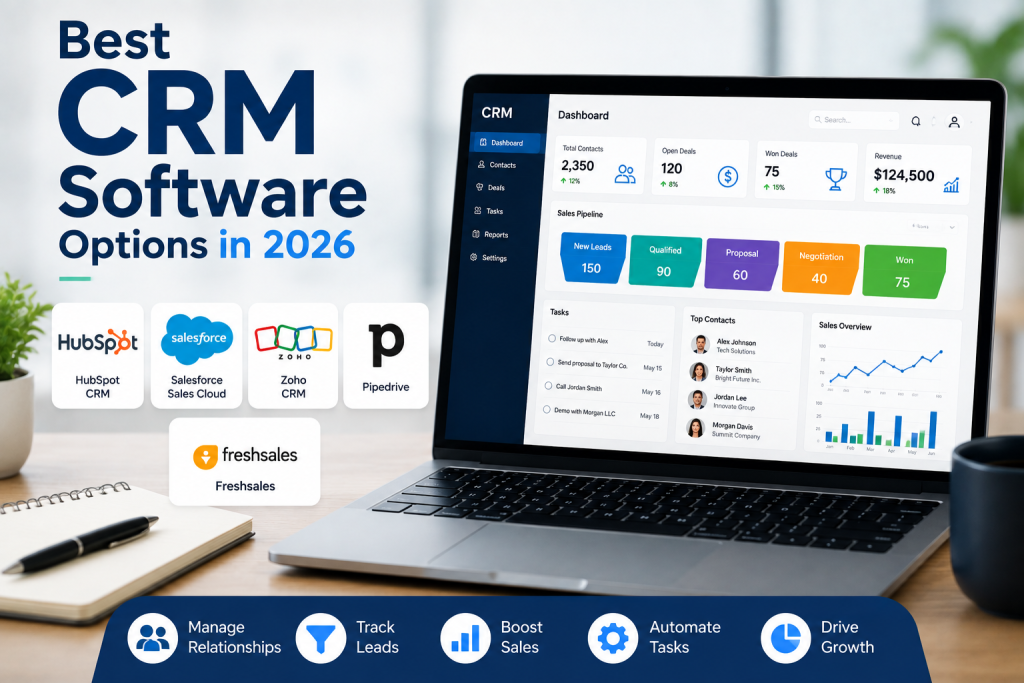
    Best CRM software options in 2026 for small businesses

    Best CRM Software Options in 2026

    There is no single CRM that is perfect for every company. The best choice depends on your business size, budget, industry, sales process, and required features.

    1. HubSpot CRM

    HubSpot CRM is a popular choice for small businesses that want an easy-to-use platform with sales, marketing, and customer management capabilities. Its interface is designed for businesses that want to get started without a complicated setup.

    It can be particularly useful for startups and small teams looking for a CRM that can grow alongside their business.

    2. Salesforce

    Salesforce is one of the best-known CRM platforms and is designed for businesses that need extensive customization and advanced capabilities. It can support more complex sales processes and larger teams.

    However, smaller businesses should carefully evaluate the platform’s features and costs to determine whether its capabilities match their actual needs.

    3. Zoho CRM

    Zoho CRM is another strong option for small and growing businesses. It provides tools for contact management, sales automation, reporting, and customer relationship management.

    Businesses looking for a balance between functionality and affordability may find Zoho CRM worth considering.

    4. Pipedrive

    Pipedrive focuses heavily on sales pipeline management. Its visual approach can make it easier for sales teams to understand where leads and deals currently stand.

    It may be a good choice for small businesses that primarily need a straightforward sales CRM rather than a large all-in-one business platform.

    5. Freshsales

    Freshsales is designed to help businesses manage contacts, leads, conversations, and sales activities. It can be useful for small and medium-sized businesses looking for CRM features combined with sales productivity tools.

    How to Choose the Best CRM Software

    Before purchasing a Best CRM Software, consider your business’s actual requirements. Avoid choosing software simply because it has the largest number of features.

    Start by evaluating ease of use, pricing, integrations, automation, reporting, customization, mobile access, and customer support. You should also consider whether the CRM can grow with your company.

    For example, a small U.S. service business may only need contact management, lead tracking, appointment follow-ups, and email integration. A growing sales team may require advanced automation, reporting, and multiple sales pipelines.

    Final Thoughts

    The best CRM software in 2026 is the platform that fits your business rather than simply the one with the most features. HubSpot, Salesforce, Zoho CRM, Pipedrive, and Freshsales are all worth researching, but the right choice depends on your budget, team size, sales process, and business goals.

    Before making a decision, take advantage of free plans or trials when available. Test the interface, compare essential features, and make sure the Best CRM Software can handle your business as it grows. A well-chosen CRM can help a small business stay organized, follow up with leads more consistently, and build stronger customer relationships.

  • Best Software Reviews: Top Tools & Buying Guide for 2026

    Best Software Reviews: Top Tools & Buying Guide for 2026

    Choosing the right software can be difficult when there are hundreds of platforms competing for your attention. Whether you need business software, marketing tools, project management platforms, accounting solutions, or productivity apps, reliable best software reviews can help you make a smarter decision.

    In 2026, software buyers in the United States are looking beyond simple feature lists. They want to know whether a tool is easy to use, worth the price, secure, scalable, and suitable for their specific needs. This guide explains how to evaluate software and what to look for before making a purchase.

    What Are Software Reviews?

    Software reviews provide an overview of a digital product based on important factors such as features, usability, performance, pricing, customer support, integrations, and overall value.

    The best software reviews don’t simply say that a product is “good” or “bad.” Instead, they explain who the software is best for, what it does well, where it may have limitations, and whether it offers enough value for its cost.

    This makes software reviews especially useful for small businesses, entrepreneurs, marketers, freelancers, and everyday consumers.

    Why Best Software Reviews Matter in 2026

    Software has become an essential part of running a modern business. Companies may use dozens of applications for communication, sales, accounting, marketing, customer service, and project management.

    A detailed review can save users significant time by helping them compare different options before signing up.

    When reading best software reviews, consider:

    • Features and functionality
    • Ease of use
    • Pricing and available plans
    • Customer support
    • Security and privacy
    • Integrations
    • Performance and reliability
    • Scalability
    • Pros and cons
    • Overall value

    These factors can help you determine whether a particular platform matches your requirements.

    Types of software worth reviewing for small businesses

    Types of Software Worth Reviewing

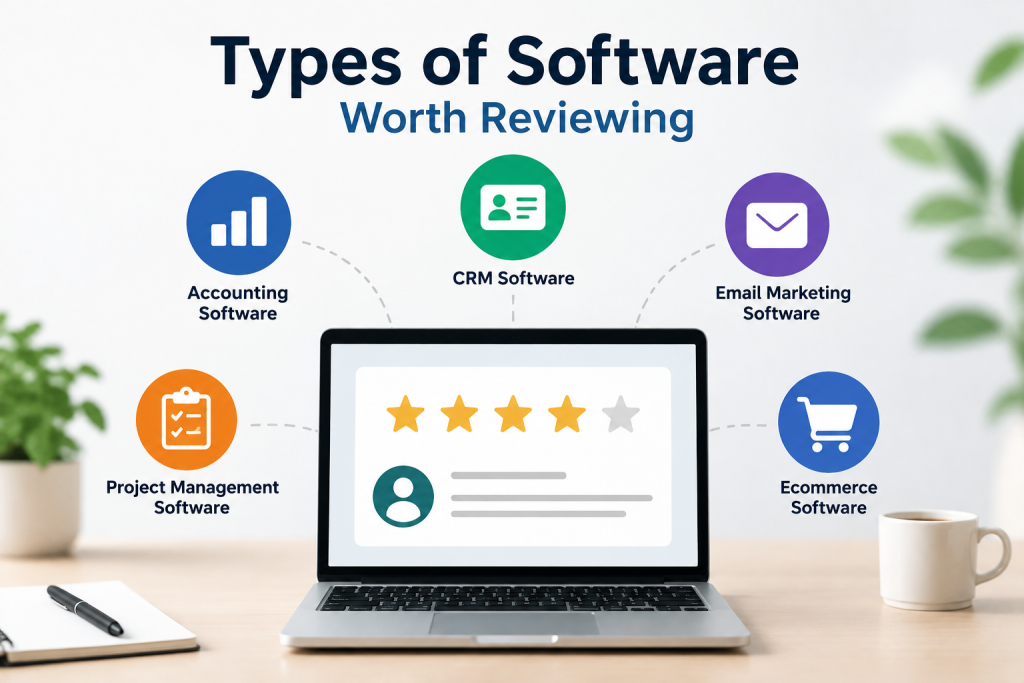
    There are many software categories available to US consumers and businesses. Some of the most popular include:

    Business Software

    Business software can help companies manage operations, employees, customers, sales, and finances. CRM platforms, accounting software, HR tools, and business management systems are common examples.

    Marketing Software

    Marketing platforms help businesses manage email campaigns, social media, SEO, advertising, analytics, and customer engagement. Marketing automation tools can also reduce repetitive tasks.

    Project Management Software

    Project management platforms help teams organize tasks, deadlines, documents, communication, and workflows. They can be particularly useful for remote and hybrid teams.

    Productivity Software

    Productivity tools can help individuals and businesses manage calendars, notes, documents, communication, and daily tasks more efficiently.

    Security Software

    Security products protect devices, networks, accounts, and business information. When reviewing security software, privacy, reliability, compatibility, and protection features should receive special attention.

    How to Choose the Best Software

    Finding the best software isn’t necessarily about choosing the platform with the most features. The right choice depends on your goals and budget.

    Start by identifying the problem you want the software to solve. Then create a list of essential features and compare several alternatives.

    You should also consider the total cost. A low monthly price may look attractive, but additional users, premium features, integrations, or annual commitments can increase the actual cost.

    Another important factor is usability. Software that has hundreds of advanced features isn’t useful if your team finds it difficult to operate.

    What Makes the Best Software Reviews Useful?

    High-quality best software reviews should be informative, transparent, and easy to understand. A useful review should explain both strengths and weaknesses instead of focusing entirely on promotion.

    Look for reviews that provide:

    • Clear product information
    • Realistic pros and cons
    • Feature comparisons
    • Pricing information
    • Suitable use cases
    • Alternatives
    • Ease-of-use analysis
    • Security considerations
    • Final recommendations

    This approach allows readers to make decisions based on their individual needs rather than simply following a popularity ranking.

    Software reviews for small businesses showing a laptop with business software ratings

    Software Reviews for Small Businesses

    Small businesses in the US often have limited budgets and fewer employees, making software selection especially important. The right platform can automate repetitive work, improve communication, organize customer information, and help employees become more productive.

    Before purchasing, small-business owners should check whether the software offers flexible plans, reliable support, integrations, and room to scale as the company grows.

    Final Thoughts

    The best software reviews make technology easier to understand and compare. Instead of choosing a platform based only on advertisements or popularity, users can evaluate features, pricing, usability, security, and overall value.

    Whether you’re a US business owner, freelancer, marketer, or individual user, taking time to read detailed best software reviews can help you avoid unnecessary expenses and choose software that genuinely fits your needs.

    In 2026, the smartest approach is to compare multiple platforms, identify your essential requirements, and choose the solution that provides the best combination of functionality, usability, security, and long-term value.

  • Marketing Automation: The Complete Guide for U.S. Businesses in 2026

    Marketing Automation: The Complete Guide for U.S. Businesses in 2026

    What Is Marketing Automation?

    Marketing automation is the use of software and technology to automate repetitive marketing tasks, manage customer interactions, and deliver personalized messages based on customer behavior.

    Instead of manually sending every email, following up with every lead, or posting every marketing message, businesses can create automated workflows that perform these tasks at the right time.

    For U.S. businesses, marketing automation can be especially useful for generating leads, nurturing prospects, improving customer relationships, and increasing marketing efficiency.

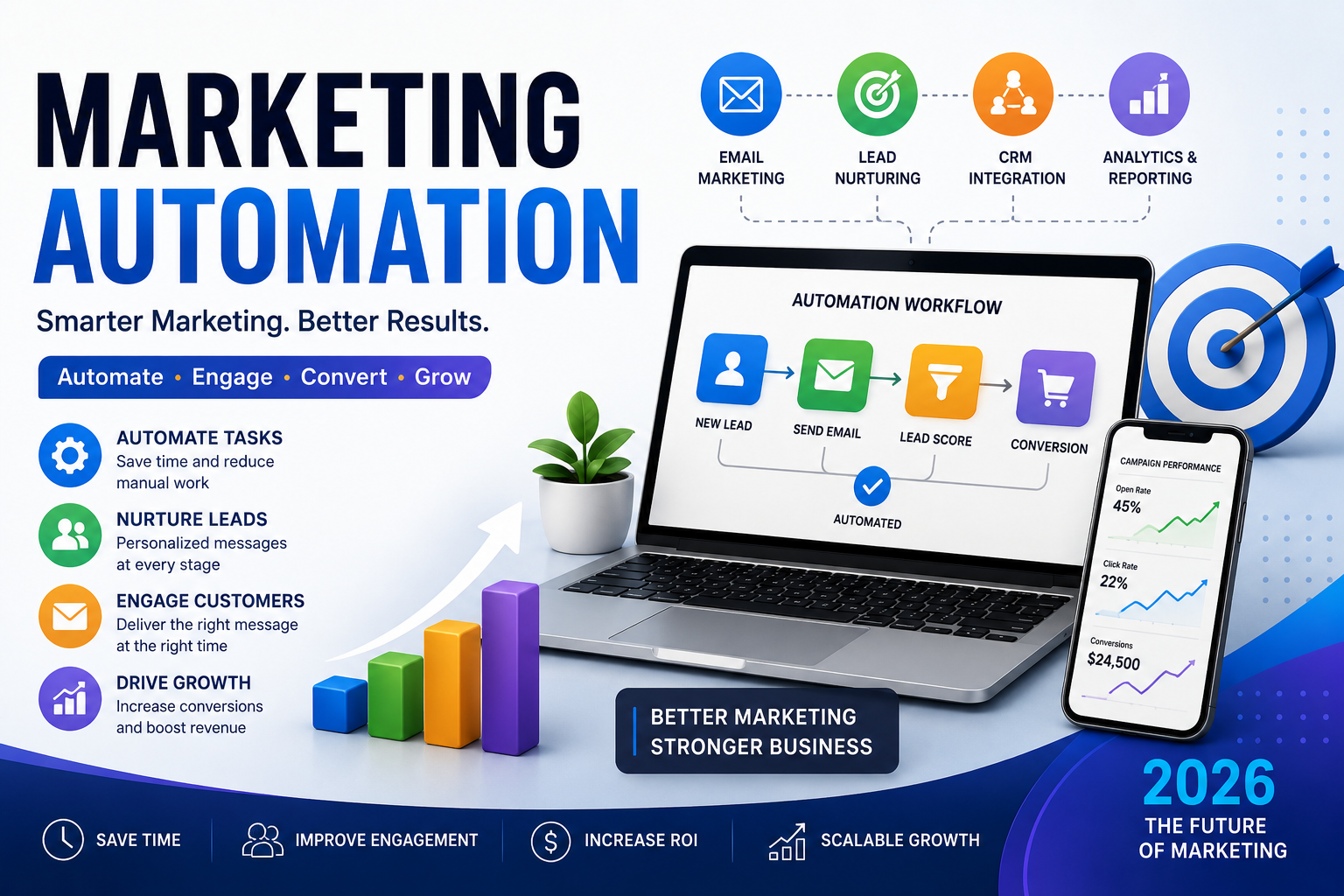
    Marketing automation uses software to automate repetitive marketing tasks, nurture leads, and deliver personalized customer experiences. HubSpot’s marketing automation resources provide additional information about automated workflows and campaigns.

    How Does Marketing Automation Work?

    Marketing works by connecting customer data with predefined workflows. When a customer performs a specific action, the system can automatically respond.

    For example, imagine someone visits a U.S. e-commerce website and signs up for a newsletter. A marketing automation system could automatically:

    1. Send a welcome email.
    2. Recommend relevant products.
    3. Send a follow-up message after several days.
    4. Offer a discount based on customer behavior.
    5. Notify the sales team when the customer becomes highly engaged.

    This allows businesses to communicate with potential customers without manually managing every interaction.

    Why marketing automation is important in 2026

    Why Is Marketing Automation Important in 2026?

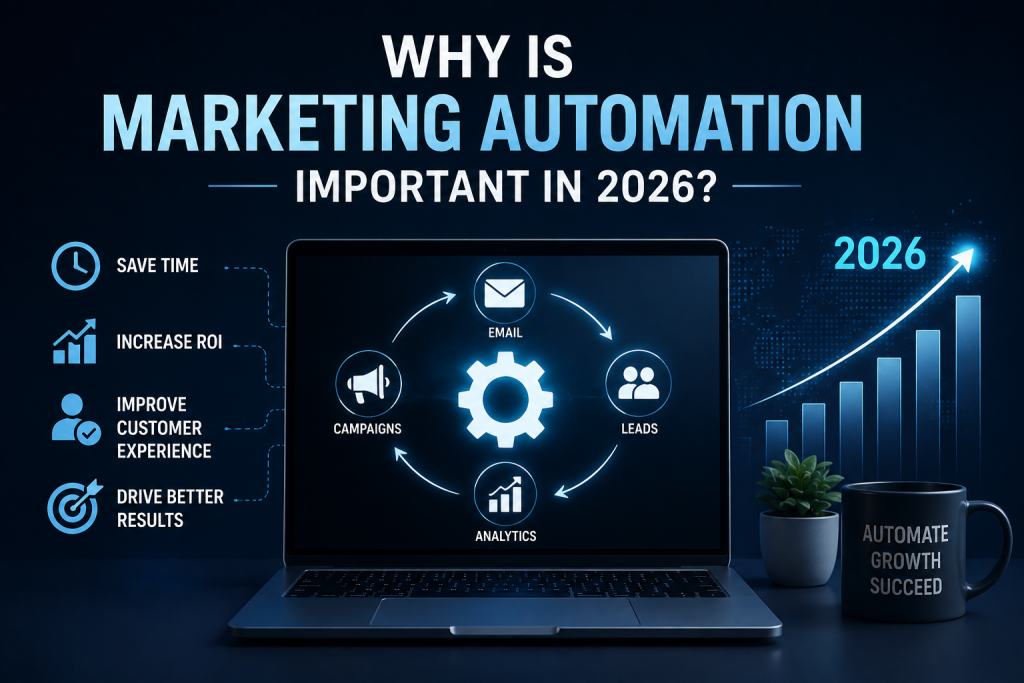
    Competition in the U.S. market continues to increase, making efficient and personalized marketing more important than ever.

    Marketing helps businesses manage larger audiences while maintaining consistent communication. It can also help marketing teams spend more time on strategy, creativity, and customer relationships instead of repetitive administrative work.

    Some major benefits include:

    • Saving time and reducing repetitive tasks
    • Improving lead nurturing
    • Increasing marketing efficiency
    • Delivering personalized customer experiences
    • Improving lead conversion rates
    • Maintaining consistent communication
    • Supporting sales and marketing teams
    • Tracking customer interactions more effectively

    Common Marketing Automation Examples

    Marketing automation can be used across different stages of the customer journey.

    Email Marketing Automation

    Businesses can automatically send welcome emails, abandoned-cart reminders, educational content, product recommendations, and follow-up messages.

    For example, a U.S. SaaS company could create an automated email sequence for users who sign up for a free trial.

    Lead Nurturing

    Not every visitor is ready to purchase immediately. Automated lead-nurturing campaigns can provide useful content and follow-ups until a prospect becomes more interested.

    Customer Onboarding

    After a customer purchases a product or service, automated messages can explain how to get started, provide helpful resources, and encourage customers to use additional features.

    Abandoned Cart Recovery

    E-commerce businesses can automatically remind customers about products they left in their shopping carts. This can help recover potential sales without requiring manual follow-up.

    Customer Re-Engagement

    Businesses can also create campaigns for customers who have stopped opening emails, visiting websites, or purchasing products.

    How to Create a Marketing Automation Strategy

    A successful marketing automation strategy starts with clear goals. Before selecting software, determine what you want automation to accomplish.

    1. Define Your Goals

    Your goal might be generating more leads, increasing sales, improving customer retention, or reducing manual marketing tasks.

    2. Understand Your Audience

    Identify your target customers, their needs, interests, and behavior. For U.S. businesses, consider factors such as location, industry, customer demographics, and purchasing behavior when appropriate.

    3. Map the Customer Journey

    Understand how people move from discovering your business to becoming customers. This helps you identify where automation can provide the most value.

    4. Create Useful Content

    Automation works best when the content being delivered is genuinely helpful. Create emails, guides, offers, and educational resources that match each stage of the customer journey.

    5. Test and Improve

    Monitor campaign performance and continuously test subject lines, offers, messaging, timing, and calls to action.

    Best Marketing Automation Tools for businesses

    Best Marketing Automation Tools

    Businesses can choose from many marketing automation tools, depending on their size, budget, and marketing goals.

    Popular categories include:

    • Email marketing platforms
    • CRM and customer management systems
    • Lead-generation platforms
    • E-commerce automation software
    • Social media automation tools
    • Customer engagement platforms
    • Analytics and reporting solutions

    When choosing marketing automation software, consider ease of use, integrations, scalability, reporting features, personalization capabilities, and pricing.

    Marketing Automation Best Practices for 2026

    To get better results from automated marketing, follow these best practices:

    • Personalize messages whenever useful.
    • Avoid sending excessive emails.
    • Segment your audience.
    • Use clear calls to action.
    • Keep customer data organized.
    • Test automated workflows regularly.
    • Monitor conversion and engagement metrics.
    • Make it easy for customers to unsubscribe.
    • Combine automation with human support when necessary.

    Automation should improve the customer experience rather than make communication feel robotic.

    Final Thoughts

    Marketing automation can help U.S. businesses save time, nurture leads, personalize customer communication, and create more efficient marketing campaigns.

    In 2026, successful automation is not simply about sending more messages. It is about sending the right message to the right person at the right time.

    Start with one clear goal, build a simple workflow, measure the results, and gradually expand your automation strategy. With the right approach, marketing automation can become an important part of a scalable digital marketing strategy.

    Frequently Asked Questions

    What is marketing automation?

    Marketing uses software to automate repetitive marketing activities such as email campaigns, lead nurturing, customer follow-ups, and personalized communications.

    What are the benefits of marketing automation?

    The main benefits include saving time, improving lead nurturing, increasing efficiency, personalizing communication, and helping businesses manage larger audiences.

    Is marketing automation useful for small businesses?

    Yes. Small businesses can use automation to handle repetitive marketing tasks, follow up with leads, communicate with customers, and maintain consistent campaigns without requiring a large marketing team.

    Is marketing automation worth it in 2026?

    Yes. For businesses that have recurring marketing tasks and a growing customer base, automation can improve efficiency while allowing marketing teams to focus more on strategy and customer experience.

  • AI Research Tools: Best Platforms & Latest Guide (2026)

    AI Research Tools: Best Platforms & Latest Guide (2026)

    AI Research Tools 2026: How to Choose the Right One

    Finding reliable information used to take hours of manual digging. Today, AI research tools compress that work into minutes. As a result, students, scientists, and businesses across the world are turning to these platforms to speed up discovery and cut through information overload.

    In 2026, this space is moving faster than ever. New agent-based systems, smarter literature reviewers, and cheaper large language models are reshaping how research actually gets done. This guide breaks down the latest updates and shows you exactly how to pick the right tool for your needs.

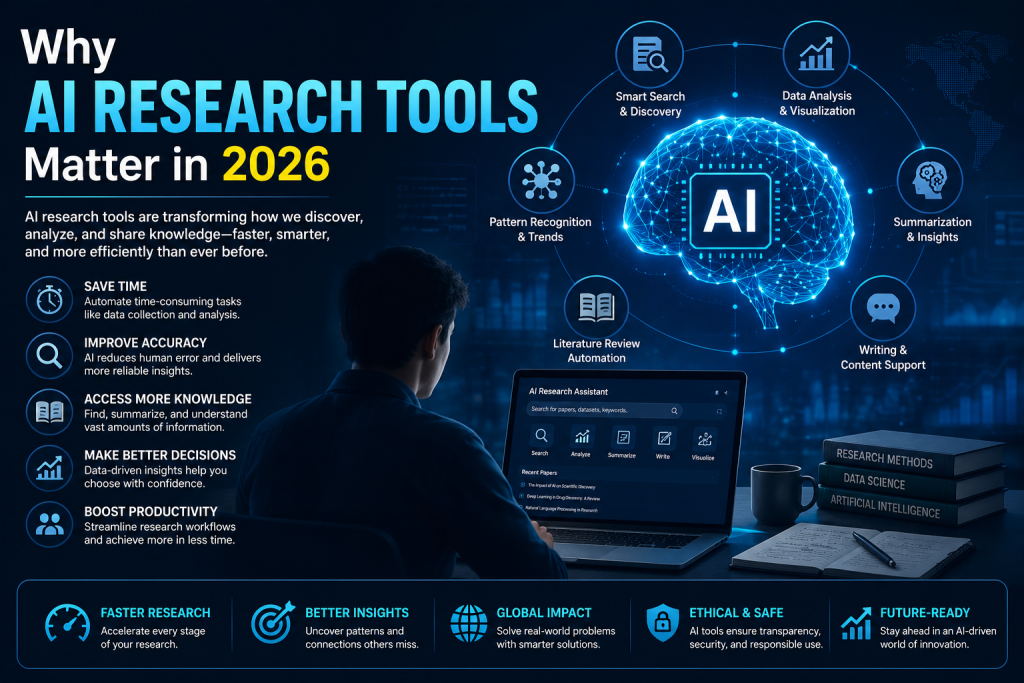
    A modern infographic showing the key benefits of AI research tools, including smart search, data analysis, literature review, summarization, productivity, and decision-making for researchers, students, and professionals.

    Why AI Research Tools Matter in 2026

    Research used to be a slow, linear process. However, modern AI research tools now handle multiple steps at once — searching, summarizing, and even proposing hypotheses.

    Here’s why this matters:

    • Speed: Tasks that took days now take hours.
    • Accessibility: Independent researchers get capabilities once limited to large labs.
    • Accuracy: Many tools now cite sources directly, reducing guesswork.
    • Cost: Inference costs have dropped sharply in 2026, making advanced tools more affordable for everyday users.

    Additionally, agent-based systems are moving beyond simple Q&A. For example, Google DeepMind’s Co-Scientist and FutureHouse’s Robin can now propose research hypotheses based on existing scientific literature, according to studies published in Nature this year. Meanwhile, DeepMind’s Empirical Research Assistance tool goes a step further by generating scientific software for researchers to use directly.

    Key Features to Consider

    Not all AI research tools are built the same. Therefore, before choosing one, check these factors carefully.

    Accuracy and Source Citation

    A good tool should link back to original sources. Consequently, this helps you verify claims instead of blindly trusting AI output.

    Context Window Size

    Larger context windows let a tool “remember” more of your project at once. Notably, several 2026 Ai update models now offer million-token context windows, which is useful for long documents or datasets.

    Integration and Workflow Fit

    Look for tools that connect with your existing apps, such as note-taking software or citation managers. This saves time and avoids copy-pasting between platforms.

    Cost Structure

    Some platforms now use credit-based pricing instead of flat subscriptions. As a result, it’s worth comparing your expected usage against the pricing model before committing.

    Types of AI Research Tools

    1. Literature Review Assistants

    These tools scan academic papers, summarize findings, and highlight gaps in existing research. They’re ideal for students and academics.

    2. Hypothesis-Generation Agents

    Newer AI research tools, like Co-Scientist, actively suggest research directions based on prior literature rather than just summarizing it.

    3. Data and Coding Assistants

    Tools such as Claude and specialized coding agents help researchers build simulations, analyze datasets, and generate scientific software.

    4. General-Purpose AI Assistants

    Broader models remain useful for quick fact-checking, drafting, and brainstorming across any field.

    How to Choose the Right Tool

    1. Define your task first. A literature review needs different features than data analysis.
    2. Test the free tier. Most platforms offer limited free access before you commit to a paid plan.
    3. Check citation reliability. Cross-check a few AI-generated citations manually.
    4. Compare pricing models. Credit-based systems can be cheaper or costlier depending on your usage pattern.

    Common Mistakes to Avoid

    • Trusting output blindly. Always verify facts and citations independently.
    • Ignoring data privacy. Read the tool’s data policy before uploading sensitive research.
    • Overpaying for unused features. Match the plan to your actual workload.
    • Sticking with one tool. Combining two or three specialized tools often works better than relying on a single all-in-one platform.
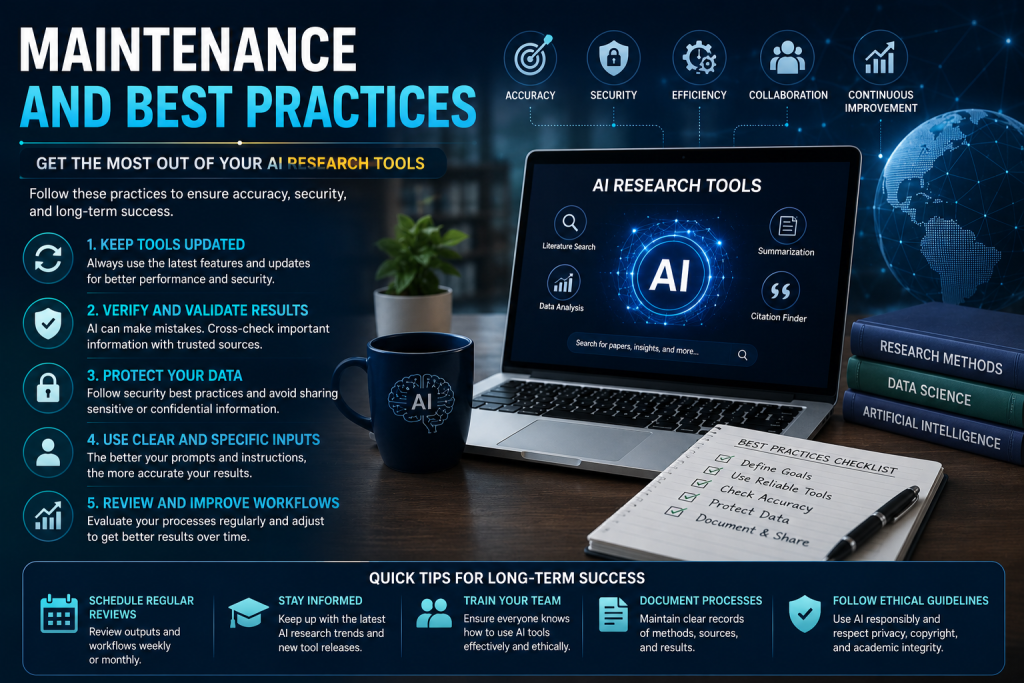
    A professional infographic illustrating maintenance tips and best practices for AI research tools, including software updates, result verification, data security, prompt optimization, workflow improvement, and ethical AI usage.

    Maintenance and Best Practices

    Keep your AI research tools updated, since providers frequently release model upgrades. Additionally, review your subscription every few months, as pricing and features change quickly in this fast-moving market. Finally, back up important findings outside the platform in case of service changes.

    Conclusion

    The landscape for AI research tools in 2026 is evolving quickly, with agent-based systems, larger context windows, and falling costs making advanced research more accessible than ever. Whether you’re a student, scientist, or business professional, choosing the right tool comes down to matching features to your specific workflow. Start by testing a free tier today, and let the right AI research tool save you hours of manual work.

    Frequently Asked Questions

    What are the best AI research tools in 2026?

    Some of the top options include Google DeepMind’s Co-Scientist, FutureHouse’s Robin, Claude, and various specialized literature-review assistants. However, the “best” tool depends on your specific task, such as literature review, data analysis, or hypothesis generation.

    Are AI research tools free to use?

    Many AI research tools offer a free tier with limited features. Additionally, most platforms now use credit-based pricing, so costs scale with how much you actually use.

    Can AI research tools replace human researchers?

    No. Developers of tools like Co-Scientist and Robin have stated their goal is to assist human researchers, not replace them. As a result, human judgment and verification remain essential.

    How accurate are AI research tools?

    Accuracy varies by tool and task. Therefore, it’s important to check citations and cross-verify AI-generated claims, especially for academic or professional work.

    Do AI research tools work for non-academic research?

    Yes. Beyond academia, businesses and independent professionals use for market research, competitive analysis, and general fact-finding.

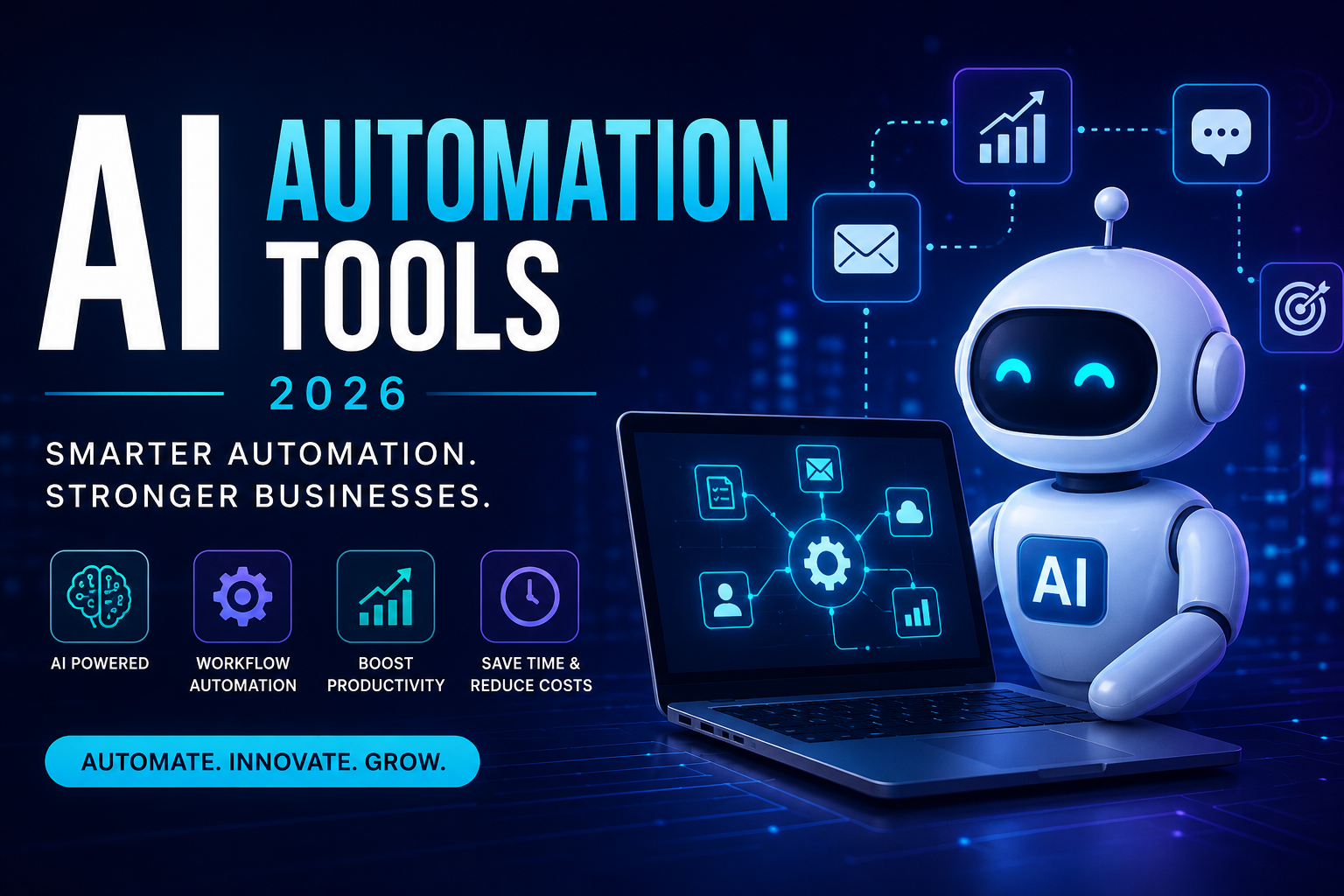
  • AI Automation Tools in 2026:  Best AI Solutions

    AI Automation Tools in 2026: Best AI Solutions


    AI Automation Tools in 2026: The Best Solutions for Businesses

    Artificial Intelligence has transformed how businesses operate, and AI Automation Tools are now essential for improving productivity, reducing costs, and eliminating repetitive tasks. In 2026, companies across the United States are using AI-powered automation to streamline workflows, enhance customer experiences, and increase revenue.

    Whether you’re a small business owner, marketer, freelancer, or enterprise manager, the right AI Automation Tools can save hours of manual work every week.

    This guide covers the best AI automation software, their benefits, key features, and how to choose the right solution for your business.


    What Are AI Automation Tools?

    AI Automation Tools are software platforms that use artificial intelligence, machine learning, and automation technologies to perform repetitive tasks with minimal human intervention.

    Unlike traditional automation, AI can learn patterns, make decisions, analyze data, and continuously improve workflows.

    Businesses use these tools for:

    • Marketing automation
    • Customer support
    • Email management
    • Content creation
    • Data analysis
    • Sales automation
    • HR processes
    • Project management
    • Financial reporting

    Why AI Automation Tools Matter in 2026

    Businesses in the U.S. face increasing competition and rising labor costs. AI automation helps companies stay competitive by improving efficiency.

    Major benefits include:

    • Saves valuable time
    • Reduces operational costs
    • Minimizes human error
    • Improves customer service
    • Boosts employee productivity
    • Provides faster business insights
    • Automates repetitive workflows
    • Scales operations efficiently

    Organizations adopting AI Automation Tools can often accomplish more without significantly increasing headcount.


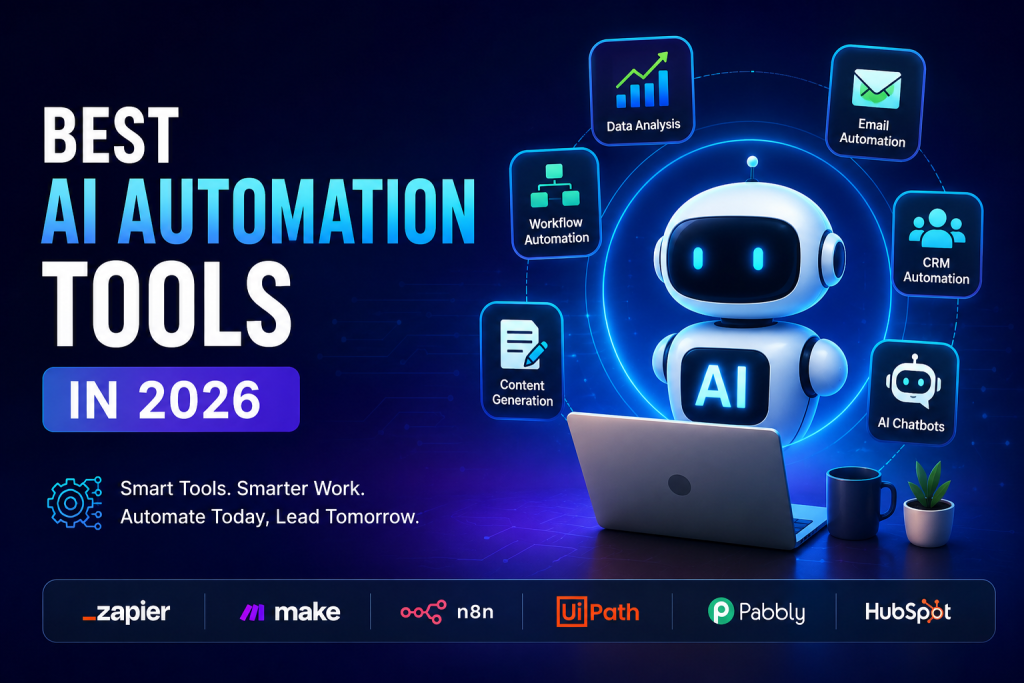
    Best AI Automation Tools in 2026 featuring an AI robot with workflow automation, CRM automation, email automation, data analysis, chatbots, and leading automation platforms like Zapier, Make, n8n, UiPath, Pabbly, and HubSpot.

    Best AI Automation Tools in 2026

    1. Zapier AI

    Zapier remains one of the most popular workflow automation platforms.

    Best for:

    • Connecting apps
    • Workflow automation
    • Small businesses
    • Marketing teams

    Popular automations include:

    • Lead generation
    • CRM updates
    • Email notifications
    • Google Sheets automation

    2. Make (formerly Integromat)

    Make provides advanced workflow automation with visual builders.

    Ideal for:

    • Developers
    • Agencies
    • Large workflow automation
    • API integrations

    Its flexible interface allows users to create powerful automation without extensive coding.


    3. Microsoft Power Automate

    Microsoft Power Automate is ideal for businesses already using Microsoft 365.

    Features include:

    • Document automation
    • Approval workflows
    • Desktop automation
    • AI Builder
    • Business process automation

    Large organizations across the U.S. rely on Power Automate for enterprise-level automation.


    4. Notion AI

    Notion AI combines productivity with intelligent automation.

    Use cases include:

    • Meeting summaries
    • Task management
    • Documentation
    • Content drafting
    • Project planning

    It helps teams organize knowledge while reducing manual work.


    5. ChatGPT

    ChatGPT has become one of the most versatile AI Automation Tools available.

    Businesses use it for:

    • Customer support
    • Content writing
    • Email drafting
    • Coding assistance
    • Research
    • Internal documentation

    Its integration with various business platforms makes it a valuable automation assistant.


    6. UiPath

    UiPath specializes in Robotic Process Automation (RPA).

    Perfect for:

    • Large enterprises
    • Banking
    • Healthcare
    • Insurance
    • Manufacturing

    It automates repetitive business processes that traditionally required human employees.


    Key Features to Look for in AI Automation Tools

    Before choosing a platform, consider these important features:

    • Easy workflow builder
    • AI-powered decision making
    • Third-party integrations
    • Security and compliance
    • Cloud-based access
    • Custom automation rules
    • Analytics dashboard
    • Scalability
    • API support

    Selecting software with these capabilities ensures long-term value for your business.


    Industries Using AI Automation Tools

    Almost every industry benefits from AI automation.

    Healthcare

    • Appointment scheduling
    • Medical documentation
    • Patient communication

    Marketing

    • Campaign automation
    • Social media scheduling
    • Content generation
    • Lead nurturing

    E-commerce

    • Order processing
    • Inventory updates
    • Customer support
    • Product recommendations

    Finance

    • Invoice automation
    • Expense tracking
    • Fraud detection
    • Financial reporting

    Human Resources

    • Resume screening
    • Employee onboarding
    • Payroll assistance
    • Interview scheduling

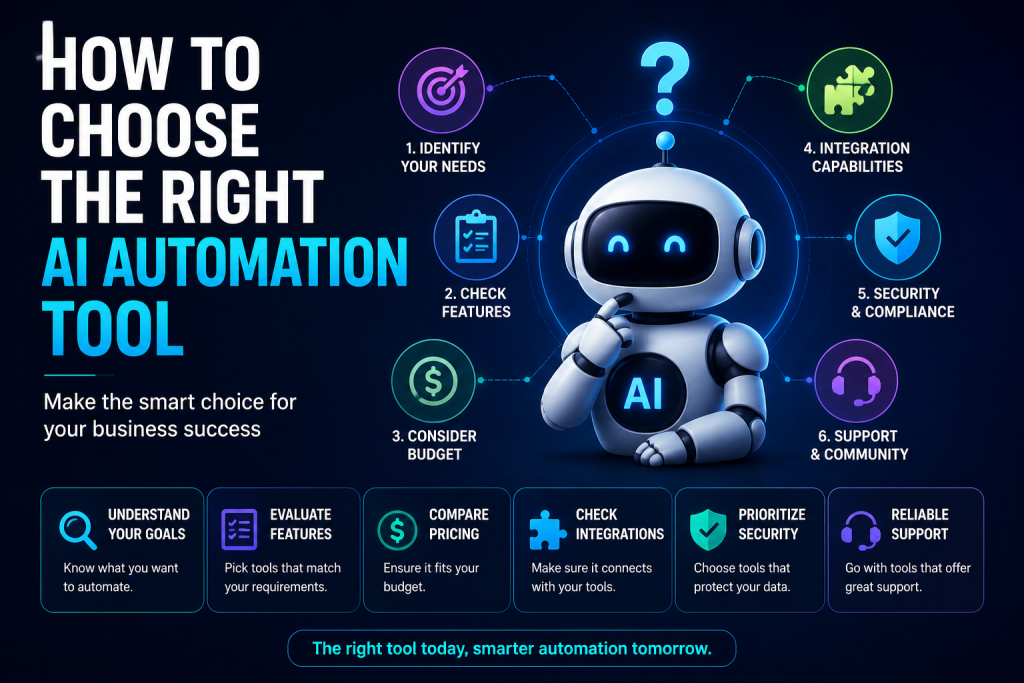
    How to Choose the Right AI Automation Tool infographic featuring an AI assistant with key decision factors including business needs, features, budget, integrations, security, and customer support for selecting the best AI automation software.

    How to Choose the Right AI Automation Tool

    The best solution depends on your business goals.

    Ask yourself:

    • What tasks consume the most time?
    • Which software do you already use?
    • Do you need no-code automation?
    • How many employees will use it?
    • Does it fit your budget?
    • Can it scale as your business grows?

    Testing free trials before purchasing is always a smart approach.


    Future of AI Automation

    The future of AI Automation Tools looks incredibly promising. By 2026 and beyond, businesses can expect:

    • Smarter AI agents
    • Autonomous workflows
    • Predictive automation
    • Voice-controlled automation
    • Hyper-personalized customer experiences
    • Advanced business intelligence

    Companies that invest in AI automation today will be better positioned to compete in an increasingly digital marketplace.


    Conclusion

    AI Automation Tools have become essential for businesses aiming to improve efficiency, reduce costs, and scale operations. From startups to large enterprises, AI-powered automation is helping organizations complete tasks faster while allowing employees to focus on higher-value work.

    Whether you choose Zapier, Make, Microsoft Power Automate, Notion AI, ChatGPT, or UiPath, the right automation platform can transform the way you work. As AI technology continues to evolve throughout 2026, adopting automation will no longer be a competitive advantage—it will be a business necessity.


    Frequently Asked Questions (FAQs)

    What are AI Automation Tools?

    AI Automation Tools are software solutions that use artificial intelligence to automate repetitive tasks, improve workflows, and increase productivity.

    Which AI automation tool is best for small businesses?

    Zapier, ChatGPT, and Notion AI are among the best options for small businesses because they are user-friendly, affordable, and highly scalable.

    Can AI Automation Tools replace employees?

    AI is designed to automate repetitive tasks rather than replace employees. It allows teams to focus on strategic, creative, and customer-facing work.

    Are AI Automation Tools expensive?

    Many platforms offer free plans or affordable monthly subscriptions, making AI automation accessible to businesses of all sizes.

    Is AI automation secure?

    Most leading AI automation platforms provide enterprise-grade security, encryption, and compliance features. Always review a provider’s security policies before implementation.

  • Best AI Chrome Extensions in 2026 to Work Smarter and Save Time

    Best AI Chrome Extensions in 2026 to Work Smarter and Save Time

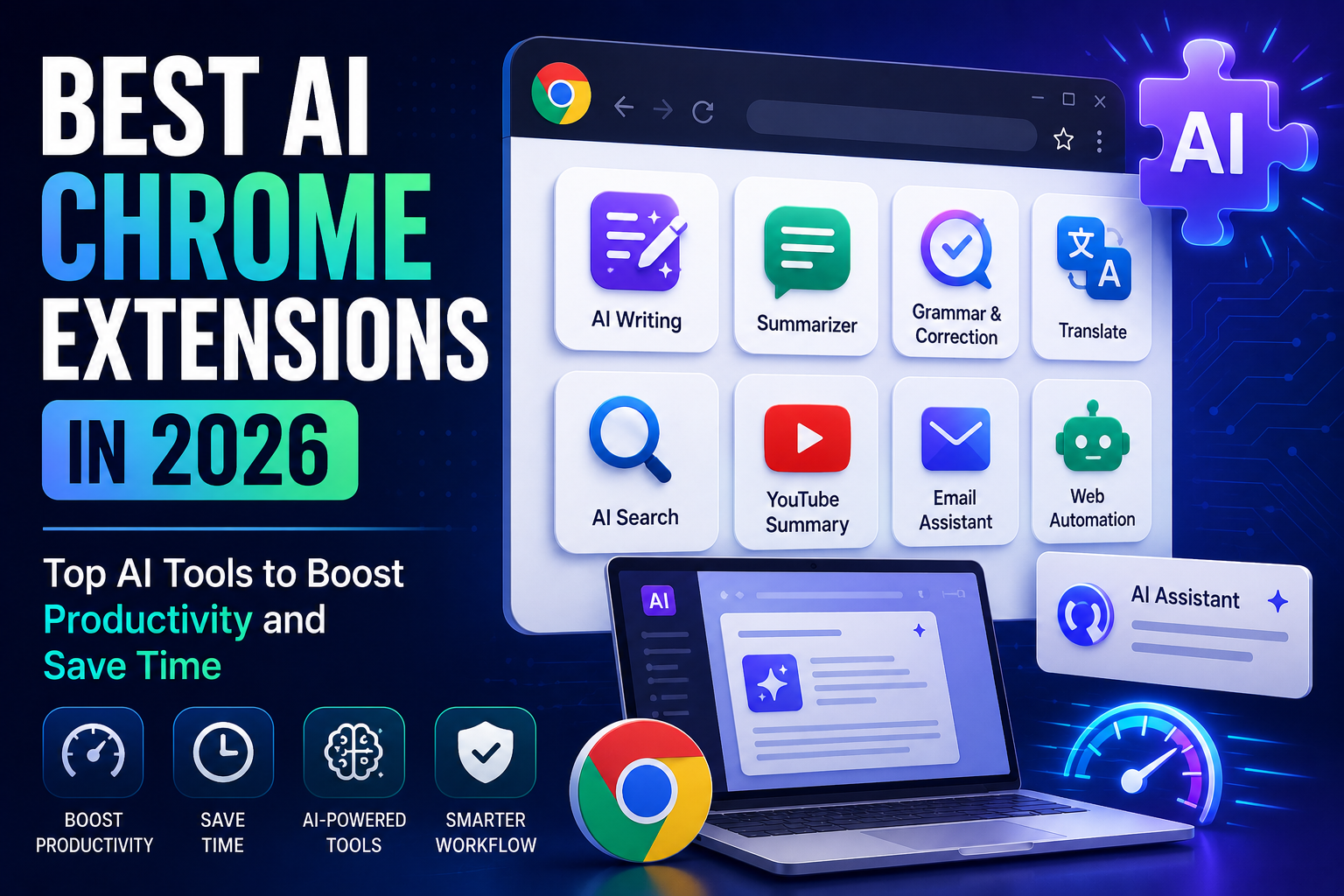
    Best AI Chrome Extensions in 2026: Top AI Tools to Boost Productivity

    The Best AI Chrome Extensions are changing the way people browse the web, write content, conduct research, manage emails, and improve productivity. In 2026, artificial intelligence has become an essential part of daily workflows for students, professionals, marketers, developers, and business owners across the United States.

    Whether you’re looking to write emails faster, summarize web pages, generate content, improve grammar, or automate repetitive tasks, the Best AI Chrome Extensions can help you work smarter without leaving your browser.

    In this guide, we’ll explore the Best AI Chrome Extensions available in 2026, their features, benefits, and how to choose the right extension for your needs.


    What Are AI Chrome Extensions?

    AI Chrome extensions are browser add-ons powered by artificial intelligence that enhance your browsing experience. These tools integrate directly into Google Chrome and help automate tasks such as writing, translation, note-taking, summarization, coding assistance, grammar correction, and online research.

    The Best AI Chrome Extensions allow users to complete everyday tasks more efficiently while improving productivity and accuracy.


    Why Use AI Chrome Extensions in 2026?

    Artificial intelligence is making browser-based work faster than ever. The Best AI Chrome Extensions offer several advantages, including:

    • Save time on repetitive tasks
    • Improve writing quality
    • Automate research
    • Summarize lengthy articles
    • Generate professional emails
    • Boost workplace productivity
    • Improve online collaboration
    • Enhance learning and research

    These extensions are ideal for anyone who spends a significant amount of time working in a web browser.


    Best AI Chrome Extensions in 2026

    1. ChatGPT for Chrome

    ChatGPT browser extensions allow users to generate content, answer questions, summarize pages, and brainstorm ideas directly within Chrome.

    Best For:

    • Writing
    • Research
    • Email drafting
    • Content creation

    2. Grammarly

    Grammarly remains one of the Best AI Chrome Extensions for improving grammar, spelling, clarity, and tone across emails, documents, and social media.

    Key Features:

    • Grammar checking
    • AI writing suggestions
    • Tone detection
    • Plagiarism assistance

    3. Merlin AI

    Merlin AI brings AI assistance to Google Search, Gmail, LinkedIn, YouTube, and many other websites.

    Popular features include:

    • AI chat
    • Content generation
    • Quick replies
    • Research assistance

    4. Compose AI

    Compose AI helps users write emails, documents, and messages faster using AI-powered autocomplete and sentence generation.

    Ideal for professionals who write frequently.


    5. Monica AI

    Monica AI works as an all-in-one AI assistant capable of translating text, summarizing webpages, generating content, and answering questions without leaving the browser.


    6. Sider AI

    Sider AI integrates advanced AI models into Chrome, allowing users to summarize articles, explain complex topics, and generate text while browsing.


    7. Perplexity AI Extension

    Perplexity AI provides quick, accurate answers with cited sources, making it an excellent research assistant for students and professionals.


    8. LanguageTool

    LanguageTool offers AI-powered grammar, spelling, and style improvements for multiple languages, making it useful for international communication.


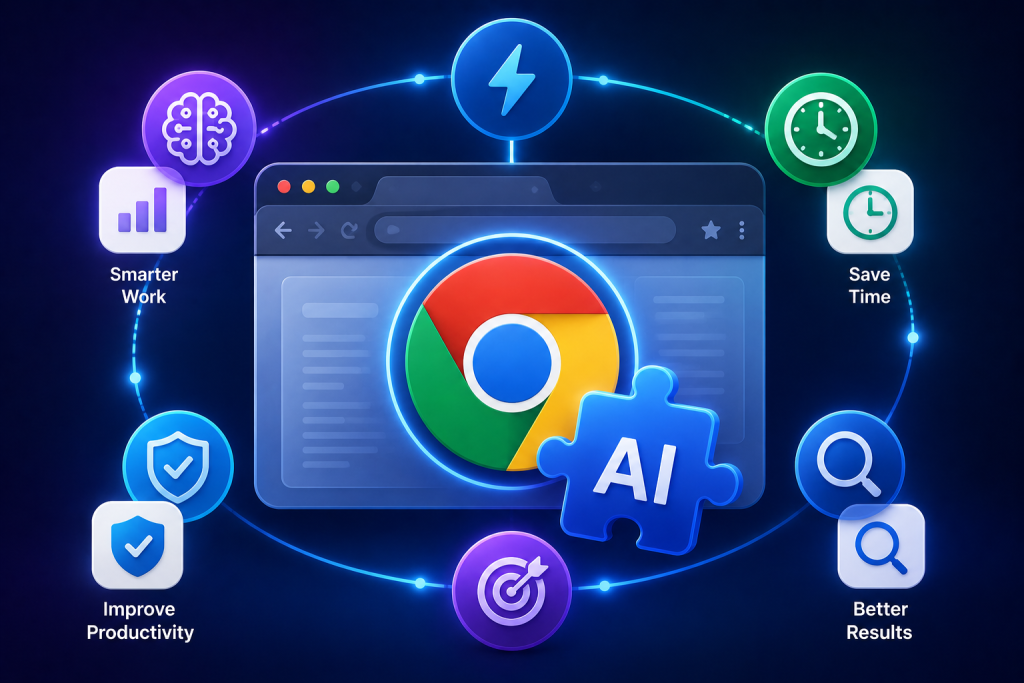
    Illustration showing the benefits of using the best AI Chrome extensions with browser interface, AI extension icon, productivity tools, automation, time-saving, and smart workflow features.

    Benefits of Using the Best AI Chrome Extensions

    The Best AI Chrome Extensions offer several benefits for individuals and businesses.

    Increase Productivity

    AI automates repetitive tasks, allowing users to focus on higher-value work.

    Improve Writing

    Extensions provide grammar correction, style suggestions, and AI-generated content for professional communication.

    Faster Research

    AI can summarize long articles, highlight important information, and answer questions instantly.

    Better Time Management

    Automation reduces the time spent on writing, editing, searching, and organizing information.

    Enhanced Accuracy

    AI-powered suggestions reduce writing errors and improve the quality of online communication.


    How to Choose the Best AI Chrome Extensions

    Before installing an extension, consider the following factors:

    Features

    Choose extensions that match your workflow, whether it’s writing, coding, research, or productivity.

    Security

    Only install extensions from trusted developers with positive user reviews.

    Ease of Use

    Look for tools with intuitive interfaces that integrate seamlessly into Chrome.

    Compatibility

    Ensure the extension works with your favorite websites and productivity tools.

    Pricing

    Many AI Chrome extensions offer free versions with optional premium upgrades.


    Who Should Use AI Chrome Extensions?

    The Best AI Chrome Extensions are useful for:

    • Students
    • Teachers
    • Bloggers
    • Content creators
    • Copywriters
    • Digital marketers
    • Small business owners
    • Software developers
    • Researchers
    • Customer support teams

    Anyone who works online can benefit from AI-powered browser tools.


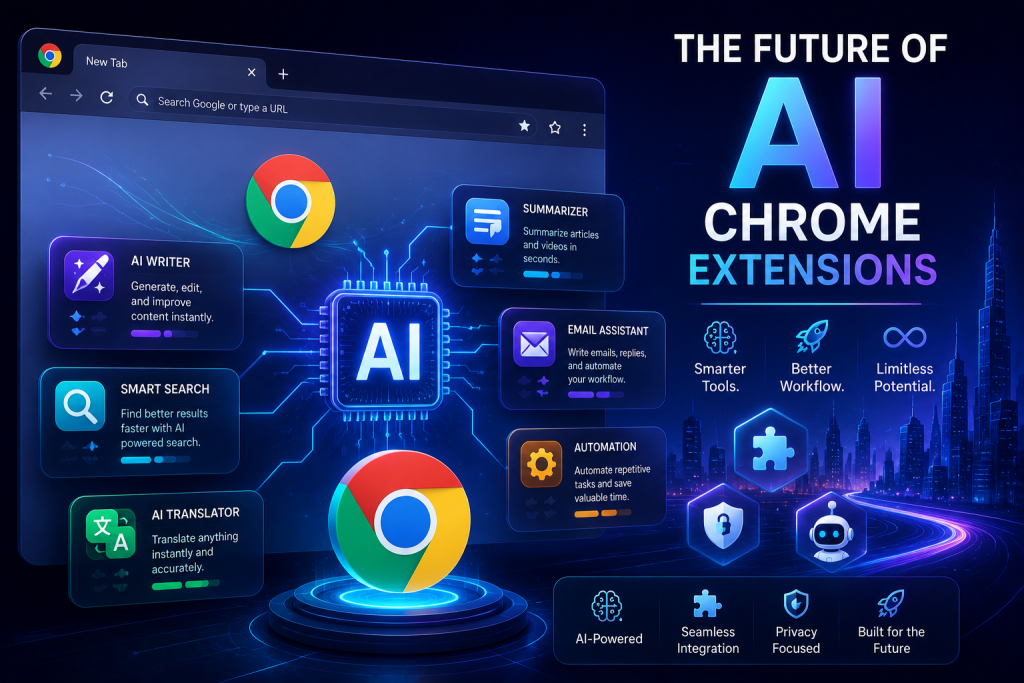
    Futuristic illustration of AI Chrome extensions featuring a modern browser interface, glowing AI processor, smart automation tools, writing assistant, search, translation, productivity icons, and a cyber-tech city background representing the future of AI-powered browser extensions.

    Future of AI Chrome Extensions

    The future of the Best AI Chrome Extensions is promising as AI technology continues to evolve. Upcoming innovations may include:

    • More personalized AI assistance
    • Better voice interaction
    • Advanced browser automation
    • Smarter research capabilities
    • Improved multilingual support
    • Enhanced cybersecurity features
    • Real-time collaboration tools
    • AI-powered workflow automation

    As AI becomes more integrated into web browsers, users can expect even greater productivity gains.


    Tips for Getting the Most Out of AI Chrome Extensions

    To maximize your experience:

    • Install only trusted extensions.
    • Keep extensions updated.
    • Review AI-generated content before publishing.
    • Use multiple AI tools for different tasks.
    • Remove unused extensions to improve browser performance.
    • Protect sensitive information when using AI tools.

    Conclusion

    The Best AI Chrome Extensions have become indispensable tools for professionals, students, and businesses in 2026. Whether you need help with writing, research, productivity, or communication, these AI-powered browser extensions can save time and improve efficiency.

    By choosing the right extension for your workflow, you can streamline daily tasks, enhance productivity, and get more done directly from your Chrome browser. As AI technology advances, browser extensions will continue to play a vital role in the future of work and online collaboration.


    Frequently Asked Questions (FAQs)

    What are AI Chrome Extensions?

    AI Chrome extensions are browser add-ons that use artificial intelligence to help users write, research, summarize, translate, and automate tasks directly in Google Chrome.

    Which are the Best AI Chrome Extensions in 2026?

    Some of the Best AI Chrome Extensions include Grammarly, Merlin AI, Monica AI, Compose AI, Sider AI, Perplexity AI, ChatGPT for Chrome, and LanguageTool.

    Are AI Chrome Extensions free?

    Many AI Chrome extensions offer free plans with limited features, while premium subscriptions unlock advanced AI capabilities.

    Are AI Chrome Extensions safe?

    Most extensions from trusted developers are safe. Always install extensions from the Chrome Web Store, review permissions, and keep them updated.

    Can AI Chrome Extensions improve productivity?

    Yes. The Best AI Chrome Extensions help automate repetitive tasks, improve writing quality, speed up research, and increase overall productivity, making them valuable tools for both personal and professional use.

  • AI Website Builders in 2026: 10 Best AI Platforms to Build a Professional Website

    AI Website Builders in 2026: 10 Best AI Platforms to Build a Professional Website

    AI Website Builders in 2026: The Best AI Tools

    AI Website Builders are transforming how individuals and businesses create websites. In 2026, artificial intelligence has made website development faster, easier, and more affordable than ever before. Whether you’re launching a small business website, an online store, a personal portfolio, or a blog, modern AI-powered website builders can generate professional-looking websites in minutes without requiring coding skills.

    For businesses across the United States, having a fast, mobile-friendly, and SEO-optimized website is essential for attracting customers and staying competitive. The latest AI Website automate everything from layout design and content generation to image creation and SEO optimization, allowing users to focus on growing their business instead of building websites from scratch.

    This guide explores the best AI Website in 2026, their features, benefits, and how to choose the right platform for your needs.


    What Are AI Website Builders?

    AI Website Builders are platforms that use artificial intelligence to simplify the website creation process. Instead of manually designing every page, users answer a few questions about their business, industry, and goals. The AI then generates a complete website with layouts, images, text, and design elements tailored to those preferences.

    Many AI Website Builders also include built-in SEO tools, eCommerce features, blogging capabilities, hosting, and analytics, making them an all-in-one solution for website creation.


    Why AI Website Builders Matter in 2026

    Building a website traditionally required hiring developers or learning complex coding languages. Today, AI Website Builders eliminate these barriers by offering:

    • Faster website creation
    • Lower development costs
    • Mobile-responsive designs
    • Built-in SEO optimization
    • AI-generated content
    • Easy customization
    • Secure hosting
    • Simple drag-and-drop editing

    These advantages make AI website builders ideal for entrepreneurs, freelancers, startups, and established businesses.


    3D illustration of AI website builder icons featuring a website editor dashboard, AI assistant, responsive web design, cloud hosting, security shield, mobile website preview, and AI-powered website creation tools on a modern blue technology background.

    Best AI Website Builders in 2026

    1. Wix AI Website Builder

    Wix AI is one of the most popular AI Website Builders, offering intelligent website generation based on user preferences.

    Key Features:

    • AI website creation
    • Built-in SEO tools
    • eCommerce support
    • Marketing integrations
    • Mobile optimization

    Best For: Small businesses, portfolios, and online stores.


    2. Squarespace AI

    Squarespace combines elegant design with AI-powered content generation, making it ideal for creative professionals and service-based businesses.

    Highlights:

    • Professional templates
    • AI writing assistant
    • Built-in analytics
    • Blogging tools

    3. Hostinger AI Website Builder

    Hostinger provides an affordable AI website that creates complete websites within minutes.

    Popular features include:


    4. Shopify Magic

    Shopify Magic uses AI to help eCommerce businesses create product descriptions, marketing copy, and online stores quickly.

    Ideal for:

    • Retail businesses
    • Dropshipping
    • Online brands
    • Product-based businesses

    5. Durable AI

    Durable AI specializes in creating business websites in less than one minute.

    It also includes:

    • CRM
    • AI content
    • Invoicing
    • Lead management
    • Business automation

    6. Framer AI

    Framer AI generates modern, responsive websites with minimal user input, making it a favorite among startups and designers.


    7. GoDaddy Airo

    GoDaddy Airo combines AI website creation with domain registration, email marketing, and business tools, providing an easy all-in-one platform for beginners.


    Benefits of Using AI Website Builders

    Using AI Website Builders offers significant advantages for businesses and creators.

    Save Time

    Instead of spending weeks building a website, AI can generate a professional site in minutes.

    Lower Costs

    Hiring web developers can be expensive. AI website provide an affordable alternative.

    SEO-Friendly Websites

    Most AI Website include built-in SEO tools that optimize page titles, meta descriptions, URLs, image alt text, and site structure.

    Easy Customization

    Users can easily modify colors, fonts, layouts, and content without technical expertise.

    Mobile Optimization

    Modern AI platforms automatically create websites that perform well on smartphones and tablets.


    How to Choose the Best AI Website Builders

    Before selecting a platform, consider these factors:

    Ease of Use

    Choose software with an intuitive interface and drag-and-drop functionality.

    SEO Features

    Look for platforms that offer:

    • Meta tags
    • XML sitemaps
    • Schema markup
    • Fast page speed
    • Image optimization

    eCommerce Support

    If you plan to sell products online, choose a platform with secure payment processing and inventory management.

    Pricing

    Compare subscription plans to ensure they fit your budget and business needs.

    Customer Support

    Reliable support can help resolve technical issues quickly and keep your website running smoothly.


    Who Should Use AI Website Builders?

    AI Website Builders are ideal for:

    • Small business owners
    • Entrepreneurs
    • Freelancers
    • Bloggers
    • Digital marketers
    • Agencies
    • Online stores
    • Nonprofit organizations
    • Personal brands
    • Startup founders

    Whether you’re creating your first website or redesigning an existing one, AI-powered builders make the process much easier.


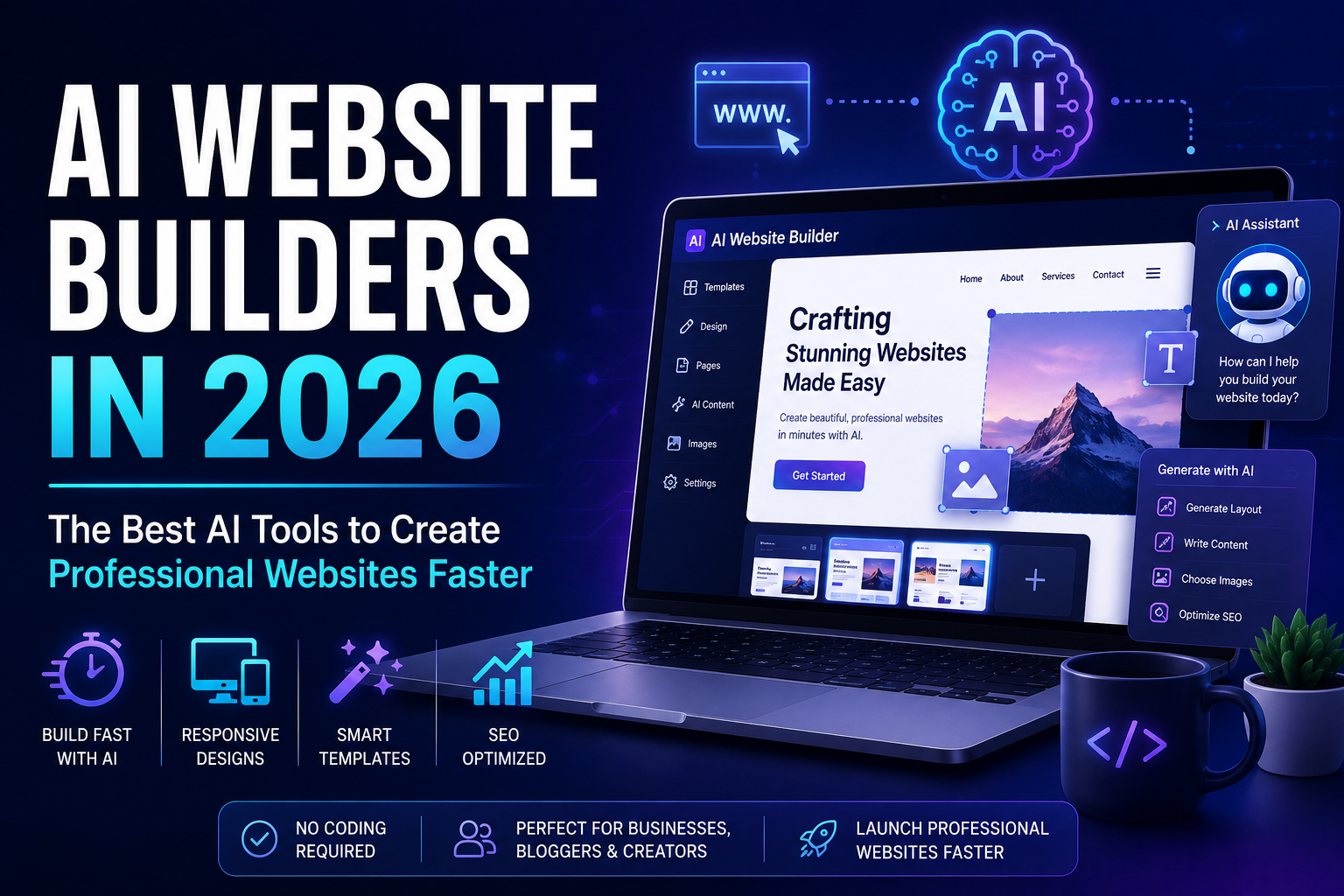
    Futuristic AI website builder illustration showing an AI-powered website editor, robotic automation, web design interface, and smart website creation technology.

    Future of AI Website Builders

    The future of AI Website Builders is exciting. As AI technology advances, users can expect:

    • Smarter website personalization
    • AI-powered customer support
    • Voice-assisted website editing
    • Automatic SEO improvements
    • Advanced design recommendations
    • Predictive user experience optimization
    • AI-generated landing pages
    • Enhanced website security

    These innovations will continue to simplify website development while improving performance and user engagement.


    Tips for Getting the Most Out of AI Website Builders

    To maximize your website’s success:

    • Choose a responsive design.
    • Customize AI-generated content to match your brand voice.
    • Optimize every page for SEO.
    • Add clear calls to action.
    • Regularly update your content.
    • Monitor website performance using analytics.
    • Keep images compressed for faster loading times.

    Conclusion

    AI Website Builders have changed the way websites are created in 2026. They enable businesses, entrepreneurs, and creators to build professional, SEO-friendly websites quickly and affordably without coding knowledge.

    By choosing the right AI Website you can launch a visually appealing, high-performing website that attracts visitors, improves search engine rankings, and supports long-term business growth. As artificial intelligence continues to evolve, AI website builders will remain one of the smartest investments for anyone looking to establish a strong online presence.

  • AI Voice Generators in 2026: 10 Best AI Tools for Realistic Voiceovers

    AI Voice Generators in 2026: 10 Best AI Tools for Realistic Voiceovers

    AI Voice Generators in 2026: Best AI Tools for Voice Creation

    AI Voice Generators have revolutionized the way businesses, content creators, educators, marketers, and entrepreneurs produce high-quality audio content. In 2026, these advanced AI-powered tools are capable of generating human-like voices with impressive accuracy, making professional voiceovers faster, more affordable, and accessible than ever before.

    Whether you’re creating YouTube videos, podcasts, online courses, advertisements, audiobooks, or business presentations, AI Voice Generator can help you produce natural-sounding narration without hiring professional voice actors. As artificial intelligence continues to evolve, these tools are becoming an essential part of modern content creation.

    In this guide, you’ll discover the best AI Voice Generators, their benefits, features, use cases, and tips for choosing the right solution for your needs.


    What Are AI Voice Generators?

    AI Voice Generators are software applications that use artificial intelligence, machine learning, and deep neural networks to convert written text into realistic speech. These tools mimic natural human voices with accurate pronunciation, emotion, pacing, and tone.

    Modern AI Voice Generators offer multiple voice styles, languages, accents, and customization options, making them suitable for businesses and creators targeting audiences across the United States and worldwide.


    Why AI Voice Generators Matter in 2026

    As digital content continues to grow, businesses need faster ways to produce engaging audio. AI Voice Generators help companies save time, reduce production costs, and create consistent voiceovers without expensive recording studios.

    Key reasons businesses are adopting AI voice technology include:

    • Faster content production
    • Lower voiceover costs
    • Professional-quality narration
    • Support for multiple languages
    • Easy scalability for large projects
    • Consistent brand voice
    • Improved accessibility
    • Better audience engagement

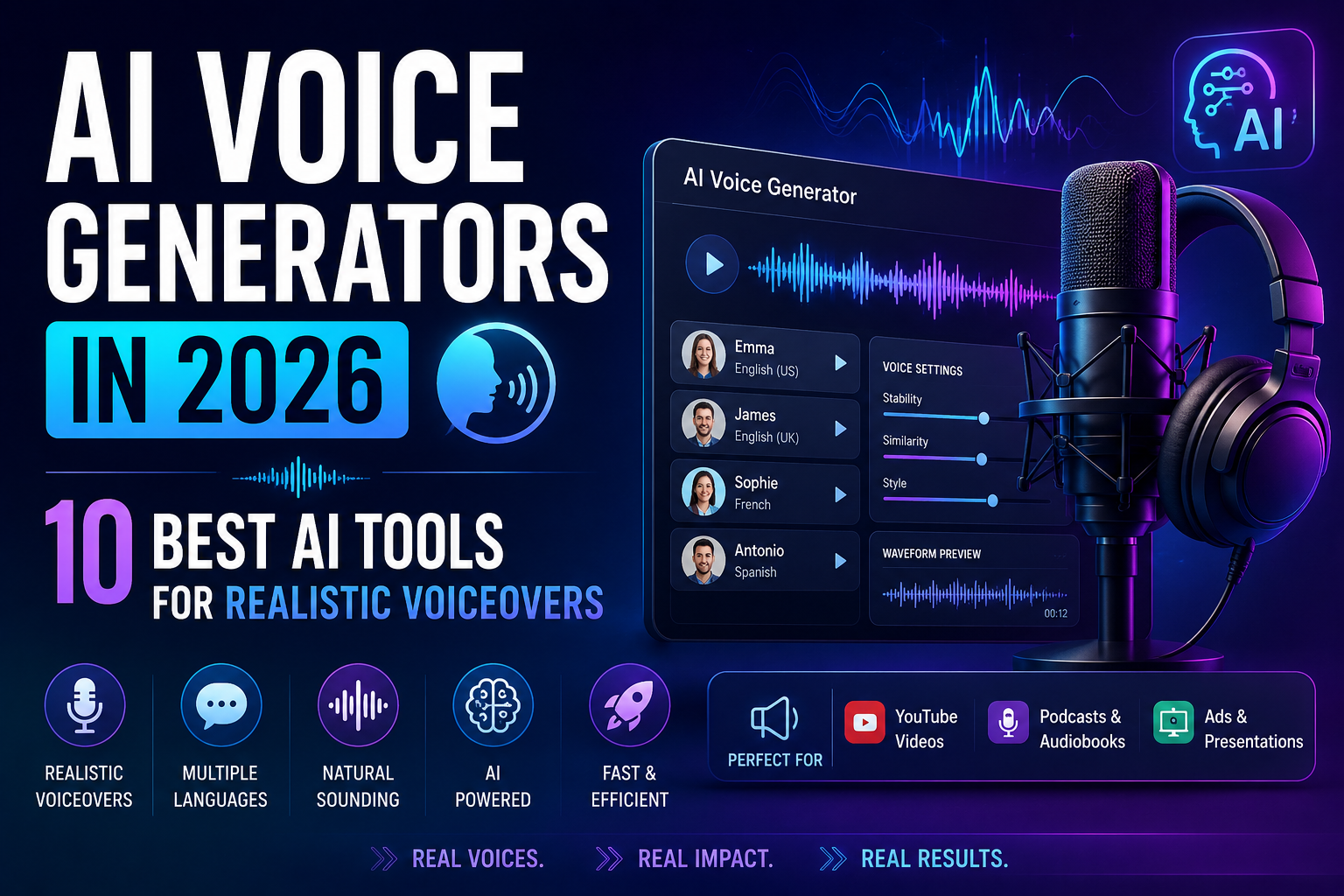
    Modern AI voice generator illustration featuring a professional microphone, audio waveform, AI speech icons, sound controls, and voice synthesis technology for content creation in 2026.

    Best AI Voice Generators in 2026

    1. ElevenLabs

    ElevenLabs is widely recognized for producing incredibly realistic AI-generated voices. It supports voice cloning, multilingual speech, and emotional voice synthesis, making it a top choice for creators and businesses.

    Best For:

    • YouTube creators
    • Audiobooks
    • Podcasts
    • Professional narration

    2. Murf AI

    Murf AI offers high-quality voiceovers with an easy-to-use interface. Users can create studio-quality narration without recording equipment.

    Key Features:

    • 120+ AI voices
    • Multiple accents
    • Voice customization
    • Commercial licensing

    3. PlayHT

    PlayHT provides realistic AI speech with hundreds of voice options suitable for businesses, educators, and developers.

    Popular uses include:

    • Blog audio
    • Customer support
    • eLearning
    • Podcasts

    4. Speechify

    Speechify is popular for converting text into natural speech. It’s widely used by students, professionals, and readers who prefer listening over reading.


    5. LOVO AI

    LOVO AI helps creators produce voiceovers for videos, advertisements, gaming, and animations.

    Its AI voices sound natural while offering emotion control and voice customization.


    6. WellSaid Labs

    WellSaid Labs specializes in enterprise-quality AI voices for training materials, corporate presentations, and educational content.


    7. Amazon Polly

    Amazon Polly is a cloud-based AI voice service that enables developers and businesses to integrate realistic speech into applications and websites.


    Benefits of Using AI Voice Generators

    Using AI Voice Generators offers numerous advantages for businesses and creators.

    Save Time

    Instead of scheduling recording sessions, AI creates professional voiceovers within minutes.

    Reduce Costs

    Hiring professional voice actors can be expensive. AI Voice significantly reduce production expenses.

    Improve Content Quality

    Modern AI voices sound incredibly realistic, helping businesses produce polished, professional content.

    Increase Productivity

    Teams can generate multiple versions of voiceovers quickly without re-recording.

    Support Multiple Languages

    Many AI Voice Generators offer dozens of languages and regional accents, making global content creation easier.


    Popular Use Cases for AI Voice Generators

    Businesses across the United States use AI Voice for various purposes, including:

    • YouTube videos
    • Podcast narration
    • Audiobooks
    • Online courses
    • TV and radio advertisements
    • Product demonstrations
    • Customer support systems
    • Virtual assistants
    • Social media videos
    • Website accessibility

    How to Choose the Best AI Voice Generators

    Before selecting a platform, consider the following factors.

    Voice Quality

    Choose software that produces natural, expressive, and realistic voices.

    Language Support

    If you serve global audiences, select tools with multiple languages and accents.

    Customization

    Look for adjustable speed, tone, pitch, and emotion settings.

    Commercial Rights

    Ensure the platform provides commercial licensing if you’ll use voiceovers for business purposes.

    Pricing

    Compare subscription plans to find the best value based on your content needs.


    AI Voice Generators vs Traditional Voice Recording

    FeatureAI Voice GeneratorsTraditional Recording
    CostLowerHigher
    SpeedMinutesHours or Days
    EditingInstantTime-consuming
    ScalabilityExcellentLimited
    Multiple VoicesEasyExpensive
    Studio RequiredNoYes

    Future of AI Voice Generators

    The future of AI Voice Generators is incredibly promising. In the coming years, AI voice technology will likely include:

    • More realistic emotional speech
    • Real-time multilingual translation
    • Personalized AI brand voices
    • Advanced voice cloning
    • Better accessibility features
    • Interactive AI assistants
    • Improved conversational AI
    • Enhanced video synchronization

    As artificial intelligence advances, voice generation will become even more accurate and widely adopted across industries.


    Professional AI voice generator illustration with a digital microphone, audio waveform, and AI speech technology icons showing tips for creating high-quality AI-generated voiceovers.

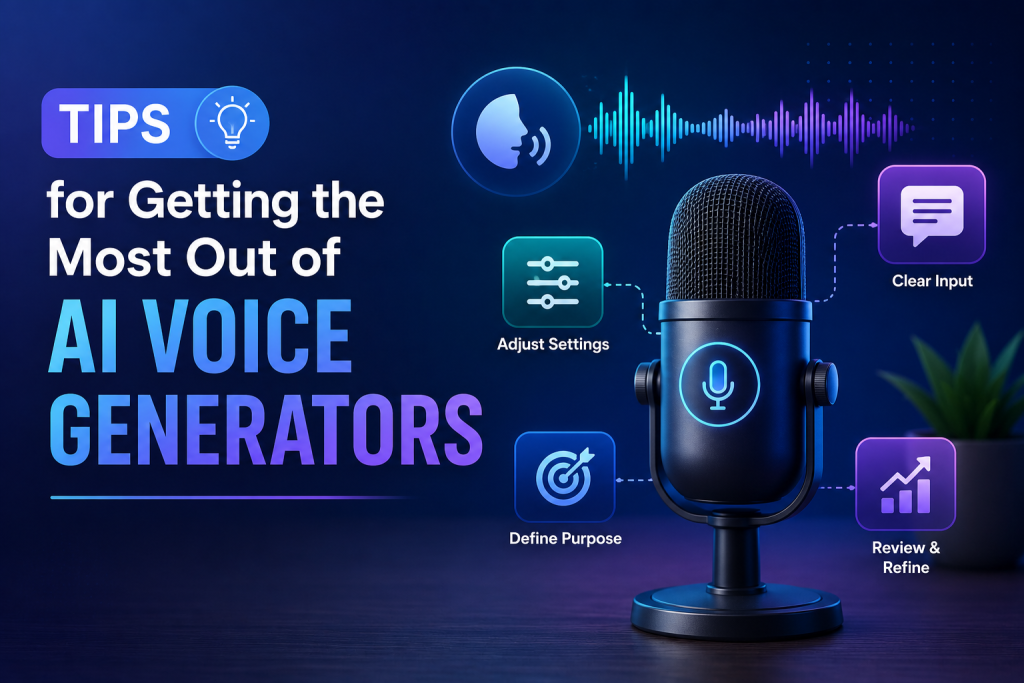
    Tips for Getting the Most Out of AI Voice Generators

    To achieve the best results:

    • Write clear and conversational scripts.
    • Choose a voice that matches your brand.
    • Test multiple voices before publishing.
    • Adjust pacing and pronunciation for natural delivery.
    • Review audio for accuracy before sharing.
    • Combine AI voices with high-quality background music when appropriate.

    Conclusion

    AI Voice Generators are transforming the way businesses and creators produce audio content in 2026. From marketing campaigns and podcasts to online education and customer support, these AI-powered tools provide an efficient, cost-effective alternative to traditional voice recording.

    By selecting the right AI Voice, businesses can save time, lower production costs, and deliver professional-quality audio that resonates with audiences. As AI continues to improve, adopting voice generation technology today can help you stay competitive and scale your content creation efforts with confidence.


  • AI Marketing Tools in 2026: 10 Best AI Solutions to Grow Your Business Faster

    AI Marketing Tools in 2026: 10 Best AI Solutions to Grow Your Business Faster

    AI Marketing Tools in 2026: Best AI Solutions

    AI Marketing Tools have completely transformed how businesses create campaigns, attract customers, and increase sales. In 2026, companies across the United States are using artificial intelligence to automate repetitive tasks, improve customer experiences, and generate higher ROI from digital marketing efforts.

    Whether you’re a small business owner, digital marketer, content creator, or enterprise brand, the right AI Marketing Tools can help you save time, reduce costs, and make smarter marketing decisions. From AI-powered content writing to email automation, SEO optimization, social media management, and customer analytics, these tools are becoming essential for modern marketing success.

    In this guide, we’ll explore the best AI Marketing Tools, their benefits, key features, and how to choose the right solution for your business.


    What Are AI Marketing Tools?

    AI Marketing Tools are software platforms that use artificial intelligence, machine learning, and automation to improve marketing activities. These tools analyze large amounts of data, identify customer behavior, automate repetitive tasks, and provide insights that help businesses make better marketing decisions.

    Instead of spending hours manually managing campaigns, marketers can rely on AI to optimize performance and increase efficiency.


    Why AI Marketing Tools Matter in 2026

    Businesses in the U.S. face increasing competition across every industry. Using AI Marketing Tools gives companies a competitive advantage by helping them:

    • Save valuable time
    • Reduce marketing costs
    • Increase conversion rates
    • Personalize customer experiences
    • Improve campaign performance
    • Generate high-quality content faster
    • Analyze customer behavior in real time
    • Make data-driven marketing decisions

    As AI technology continues to evolve, businesses that adopt these tools are more likely to stay ahead of competitors.


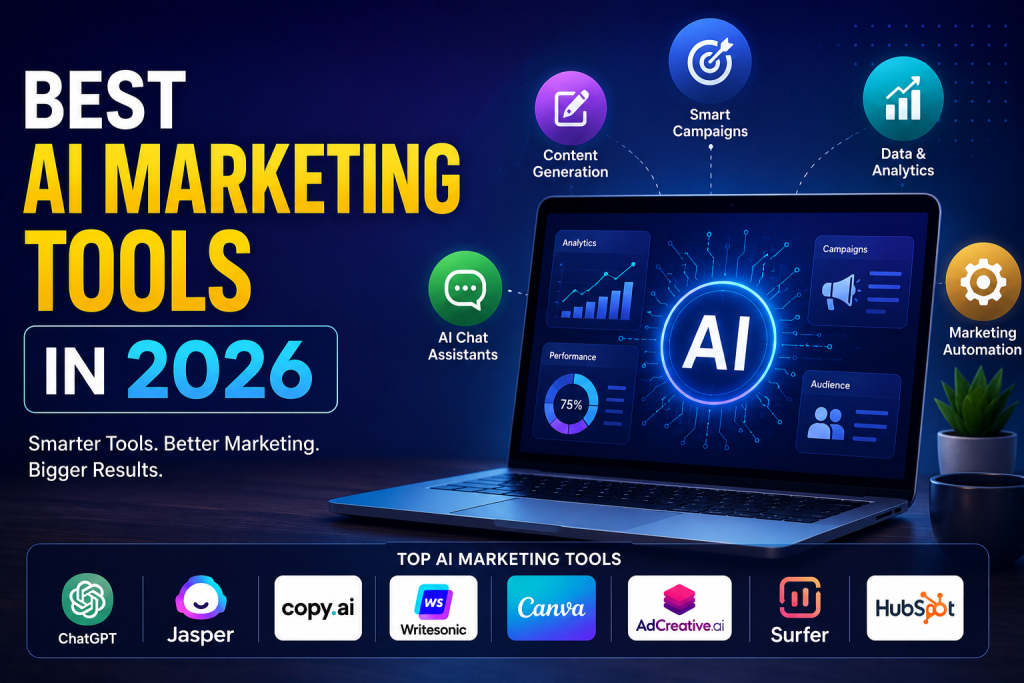
    Best AI marketing tools in 2026 featuring AI-powered content creation, marketing automation, analytics, and top AI platforms for digital marketers.

    Best AI Marketing Tools in 2026

    1. ChatGPT

    ChatGPT helps marketers generate blog posts, email campaigns, ad copy, product descriptions, landing pages, and customer support responses within minutes.

    Best For:

    • Content creation
    • Marketing ideas
    • Email writing
    • Sales copy

    2. Jasper AI

    Jasper AI specializes in creating marketing content for brands. It offers templates for blogs, advertisements, website copy, and social media posts.

    Key Features:

    • Brand voice
    • Marketing templates
    • SEO content
    • Team collaboration

    3. Surfer SEO

    Surfer SEO combines artificial intelligence with SEO data to optimize content for Google rankings.

    It helps marketers improve:

    • Keyword placement
    • Content structure
    • Internal linking
    • Search visibility

    4. HubSpot AI

    HubSpot’s AI features automate customer relationship management (CRM), email marketing, lead nurturing, and customer segmentation.

    Ideal for businesses looking to automate their sales and marketing processes.


    5. Canva AI

    Canva AI allows marketers to create professional graphics, presentations, advertisements, and social media content without hiring designers.

    Popular AI features include:

    • Magic Design
    • AI image generation
    • Background remover
    • Brand kit

    6. Copy.ai

    Copy.ai helps marketers produce high-converting copy for websites, emails, Facebook ads, Google Ads, and product descriptions.

    It significantly reduces writing time while maintaining quality.


    7. Grammarly AI

    Professional communication remains important in marketing. Grammarly AI improves grammar, tone, clarity, and readability for marketing content.


    Benefits of Using AI Marketing Tools

    Using AI Marketing Tools offers numerous advantages for businesses of all sizes.

    Increased Productivity

    Marketing teams complete tasks much faster with automation, allowing them to focus on strategy rather than repetitive work.

    Better Customer Personalization

    AI analyzes customer data to deliver personalized recommendations, emails, and advertisements that improve engagement.

    Improved ROI

    Smarter targeting and campaign optimization help businesses maximize their advertising budgets.

    Faster Content Creation

    From blogs to social media captions, AI generates quality content quickly while maintaining consistency.

    Better Analytics

    Modern AI Marketing Tools provide detailed insights into campaign performance, helping marketers make informed decisions.


    How to Choose the Best AI Marketing Tools

    Before investing in any software, consider these important factors:

    Business Goals

    Choose tools that align with your marketing objectives, whether it’s SEO, content marketing, advertising, or customer engagement.

    Ease of Use

    The best platforms are user-friendly and require minimal technical expertise.

    Integration

    Ensure the software integrates with your CRM, email marketing platform, analytics, and other business tools.

    Pricing

    Compare subscription plans to find a solution that fits your budget while offering the features you need.

    Customer Support

    Reliable customer support can save time and help resolve issues quickly.


    Who Should Use AI Marketing Tools?

    Almost every business can benefit from AI Marketing Tools, including:

    • Small businesses
    • Marketing agencies
    • Ecommerce stores
    • Content creators
    • Bloggers
    • Freelancers
    • Startups
    • Enterprise organizations
    • Digital marketing professionals

    Regardless of your industry, AI-powered marketing solutions can improve efficiency and drive better results.


    Future of AI Marketing Tools

    The future of AI Marketing Tools looks incredibly promising. In the coming years, AI will become even more advanced, offering:

    • Hyper-personalized marketing campaigns
    • Predictive customer behavior analysis
    • AI-generated video advertisements
    • Automated customer journey optimization
    • Voice search optimization
    • Advanced marketing automation
    • Smarter chatbot interactions
    • Real-time campaign optimization

    Businesses that embrace AI today will be better positioned for future growth.


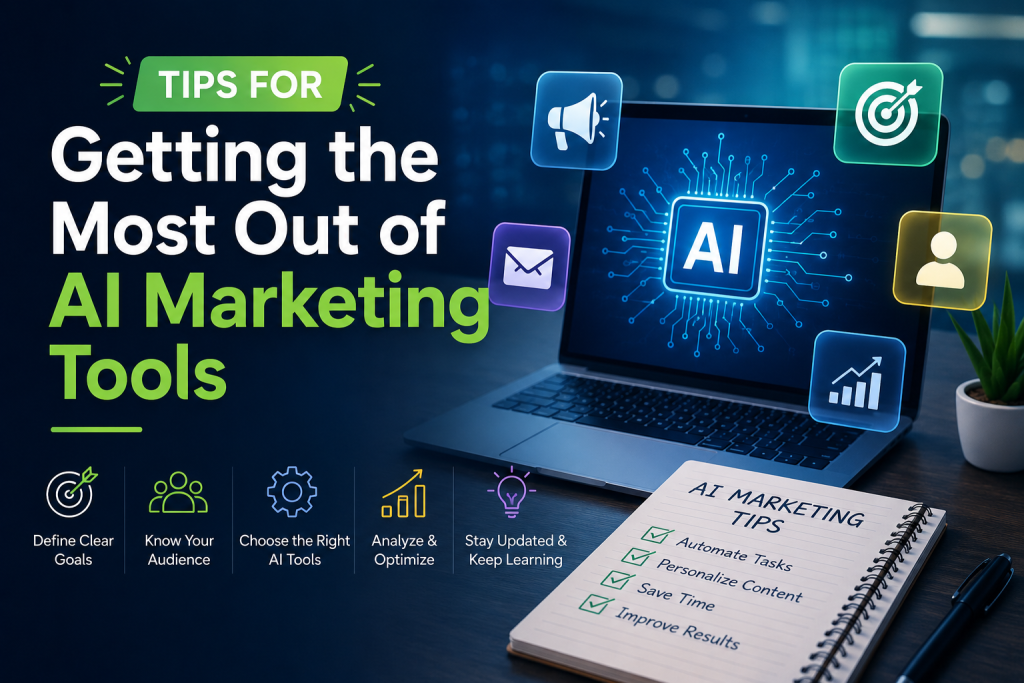
    Tips for getting the most out of AI marketing tools with AI-powered marketing dashboard, automation icons, analytics, and digital marketing strategy illustration.

    Tips for Getting the Most Out of AI Marketing Tools

    To maximize your success:

    • Combine AI with human creativity.
    • Regularly review AI-generated content.
    • Keep your marketing goals clearly defined.
    • Use analytics to refine campaigns.
    • Stay updated with new AI features.
    • Test different AI tools before committing to one platform.

    Conclusion

    AI Marketing Tools have become an essential part of modern digital marketing in 2026. Whether you’re creating content, optimizing SEO, managing email campaigns, designing graphics, or analyzing customer data, AI can dramatically improve efficiency and business growth.

    By choosing the right AI Marketing Tools, businesses across the United States can streamline marketing operations, increase engagement, generate more leads, and achieve higher returns on investment. As artificial intelligence continues to evolve, adopting these technologies today will help you stay competitive in tomorrow’s digital marketplace.


    Frequently Asked Questions (FAQs)

    What are AI Marketing Tools?

    AI Marketing Tools are software applications that use artificial intelligence to automate, optimize, and improve marketing activities such as content creation, SEO, email marketing, advertising, and customer analytics.

    Which AI Marketing Tool is best for small businesses?

    ChatGPT, Canva AI, Copy.ai, and HubSpot AI are among the best options for small businesses because they are easy to use and provide excellent value.

    Can AI Marketing Tools improve SEO?

    Yes. Many AI Marketing Tools help optimize content, improve keyword usage, analyze competitors, and enhance search engine rankings.

    Are AI Marketing Tools worth the investment?

    Absolutely. Businesses often experience increased productivity, better campaign performance, improved customer engagement, and higher ROI after implementing AI-powered marketing solutions.

    Will AI replace digital marketers?

    No. AI enhances productivity by automating repetitive tasks, but human creativity, strategic thinking, and relationship-building remain essential for successful marketing.