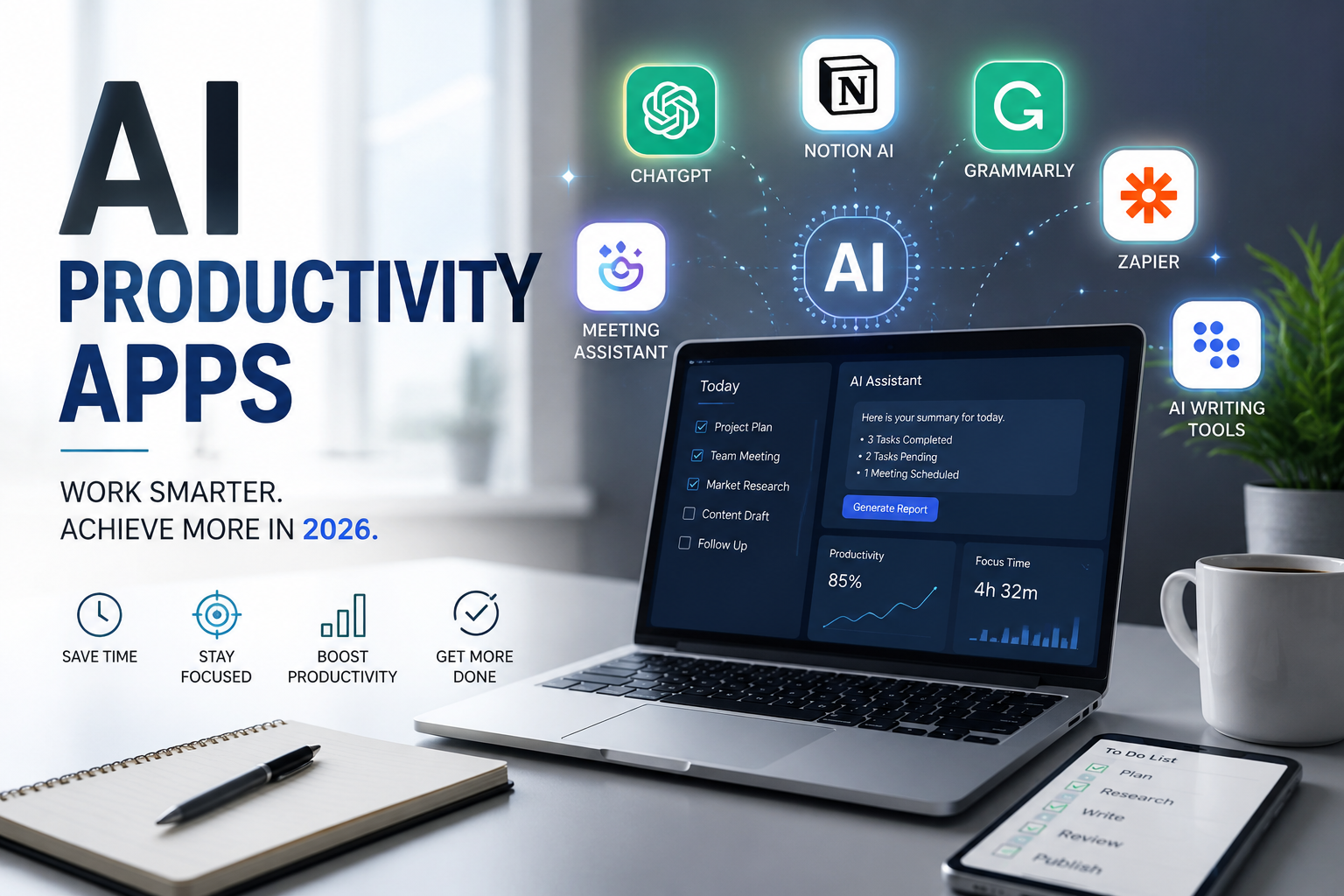
AI Productivity Apps (2026)
In today’s fast-moving digital workplace, staying organized can be challenging. American professionals, remote workers, students, entrepreneurs, and small business owners often manage emails, meetings, projects, deadlines, and repetitive tasks every day. AI Productivity Apps can help reduce that workload by using artificial intelligence to automate routine work, organize information, and assist with everyday decisions.
The popularity of AI Productivity Apps continues to grow in 2026 as more people look for practical ways to save time without sacrificing quality. Current industry roundups show that AI tools now cover a wide range of tasks, including writing, research, project management, meeting notes, scheduling, and workflow automation.
What Are AI Productivity Apps?
AI Productivity Apps are software tools that use artificial intelligence to help users complete tasks more efficiently. Unlike traditional productivity software, these applications can often understand natural-language instructions, summarize information, generate content, identify patterns, and automate parts of a workflow.
For example, an AI writing assistant can help improve an email, while an AI meeting assistant can turn a conversation into notes and action items. A project management platform may use AI to organize tasks, summarize updates, or help teams find information faster.
The best AI Productivity Apps do not necessarily replace human judgment. Instead, they reduce repetitive work so users can spend more time on creative thinking, strategy, customer service, and important decisions.
Best AI Productivity Apps for 2026
The right AI Productivity Apps depend on your specific needs. There is no single tool that is perfect for everyone, so consider the type of work you perform most often.
1. ChatGPT for General AI Assistance
ChatGPT can be useful for brainstorming, drafting, summarizing, analyzing information, creating outlines, and solving everyday work problems. Professionals can use it to prepare ideas, rewrite documents, or create first drafts that they later review and improve.
2. Notion AI for Organization
Notion combines documents, databases, project organization, and AI features in one workspace. It can be useful for individuals and teams that want to keep notes, tasks, and important information together.
3. Grammarly for Writing
Grammarly focuses on written communication. It can help users improve grammar, clarity, tone, and readability. This makes it useful for business emails, reports, website content, and professional communication.
4. Zapier for Automation
For businesses and professionals managing multiple online services, Zapier can connect applications and automate repetitive workflows. AI-powered automation can reduce manual steps between different tools and services. Recent productivity-tool comparisons highlight workflow automation and integrations as important factors when choosing an AI solution.
5. AI Meeting Assistants
AI meeting tools can transcribe conversations, summarize discussions, and identify action items. These tools can be particularly helpful for remote and hybrid teams that rely heavily on Zoom, Google Meet, Microsoft Teams, or similar platforms.
Key Benefits of AI Productivity Apps
One of the biggest advantages of AI Productivity Apps is time savings. Instead of spending 30 minutes summarizing a long document, a user may be able to create an initial summary in seconds and then verify the important details.
Another benefit is improved organization. AI can help users turn scattered information into structured notes, task lists, or summaries. This can make it easier to find important information and maintain focus.
AI Productivity Apps can also support better communication. Writing assistants can help professionals make emails clearer, while meeting tools can capture important details that might otherwise be forgotten.
For small businesses in the United States, AI Productivity tools may also help employees handle repetitive administrative tasks without adding unnecessary complexity to their daily workflow.
How to Choose the Right AI App
Before choosing AI Productivity Apps, identify the biggest problem you want to solve. If writing consumes most of your time, consider an AI writing assistant. If meetings are the main challenge, look for transcription and summarization tools. For repetitive digital tasks, automation platforms may provide more value.
Also consider pricing, privacy, integrations, ease of use, and compatibility with your existing software. A powerful application is not useful if it creates more work or does not fit your workflow.
The best AI Productivity Apps should solve a real problem rather than simply offer impressive features. Start with one tool, measure whether it saves time, and expand your technology stack only when there is a clear benefit.
Are AI Productivity Apps Worth It?
For many users, AI Productivity Apps can be worthwhile when they are applied to repetitive, time-consuming tasks. However, AI is not automatically a productivity solution. Users still need to check important information, protect sensitive data, and review AI-generated content before relying on it.
Recent research and industry discussion also suggest that productivity gains from AI can vary depending on the task and work environment. This means businesses should focus on practical use cases instead of assuming that adding AI automatically makes every workflow better.
Tips for Using AI Tools Effectively
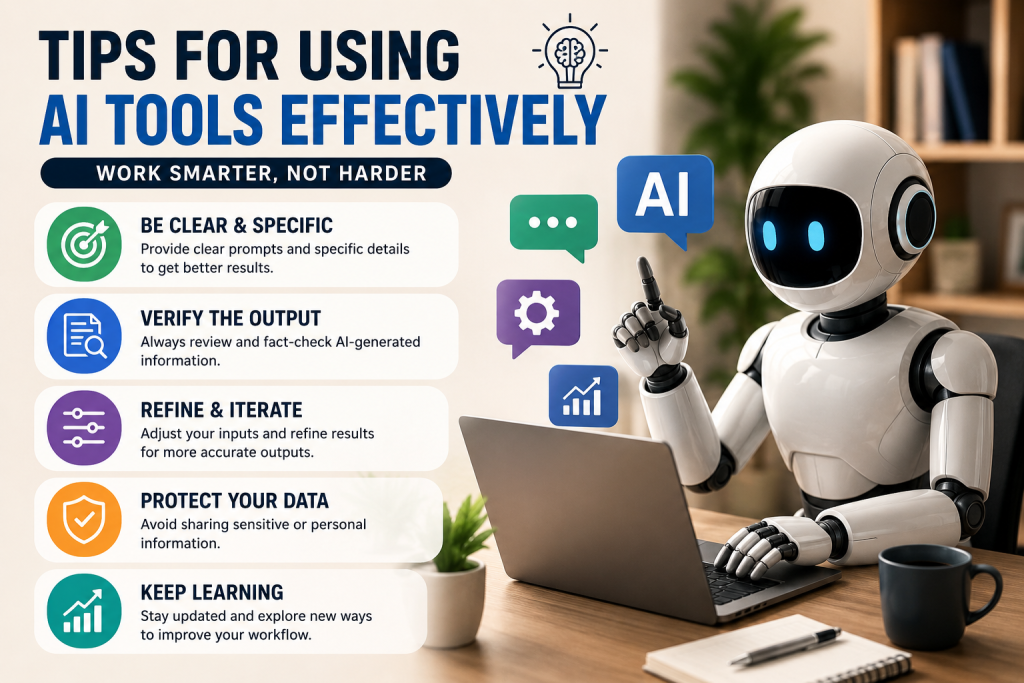
To get better results from AI Productivity Apps, give clear instructions and provide relevant context. Instead of asking an AI tool to “write something,” explain the audience, purpose, tone, and desired format.
Always review important outputs before publishing or sharing them. AI can make mistakes, misunderstand instructions, or provide outdated information.
Finally, avoid using too many applications at once. A simple workflow with two or three useful tools may be more effective than managing a dozen platforms.
Frequently Asked Questions
What are AI productivity apps?
AI Productivity Apps are software applications that use artificial intelligence to help users complete tasks such as writing, research, scheduling, organization, meetings, and automation more efficiently.
What are the best AI productivity apps in 2026?
The best AI Productivity Apps depend on your needs. Popular categories include general AI assistants, AI writing tools, project management platforms.
Can AI productivity tools help small businesses?
Yes. AI Productivity Apps can help small businesses automate repetitive tasks, improve communication, organize projects, and save time on administrative work.
Are AI productivity apps free?
Some AI Productivity Apps offer free plans or limited features, while others require monthly or annual subscriptions. Always compare pricing and features before choosing a service.
How can I start using AI for productivity?
Start by identifying one repetitive task that takes significant time. Choose an AI tool designed for that task, test it for a few weeks.
Final Thoughts
In 2026, AI Productivity Apps are becoming practical tools for professionals, businesses, students, and everyday users. From writing and research to project management, meetings, and automation, AI can reduce repetitive work and help people focus on higher-value activities.
The best AI Productivity Apps are not necessarily the ones with the most features. They are the tools that fit naturally into your existing workflow and solve a genuine problem.
Leave a Reply